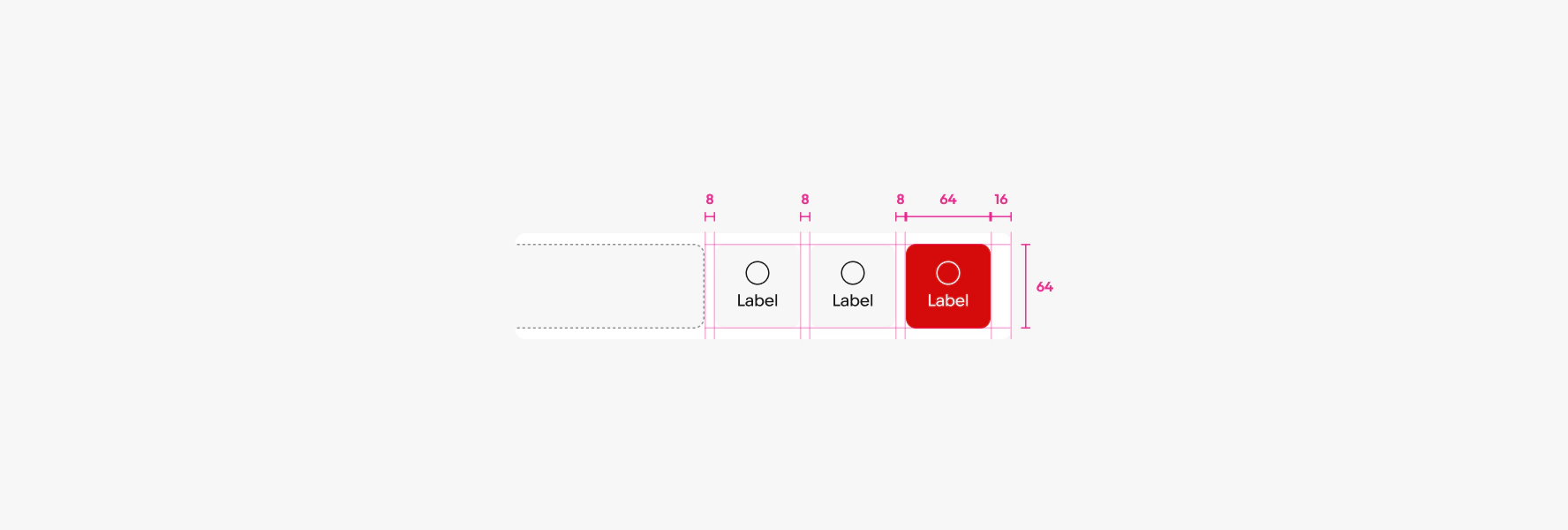
List row
List rows combine a set of content inside a horizontal layout.
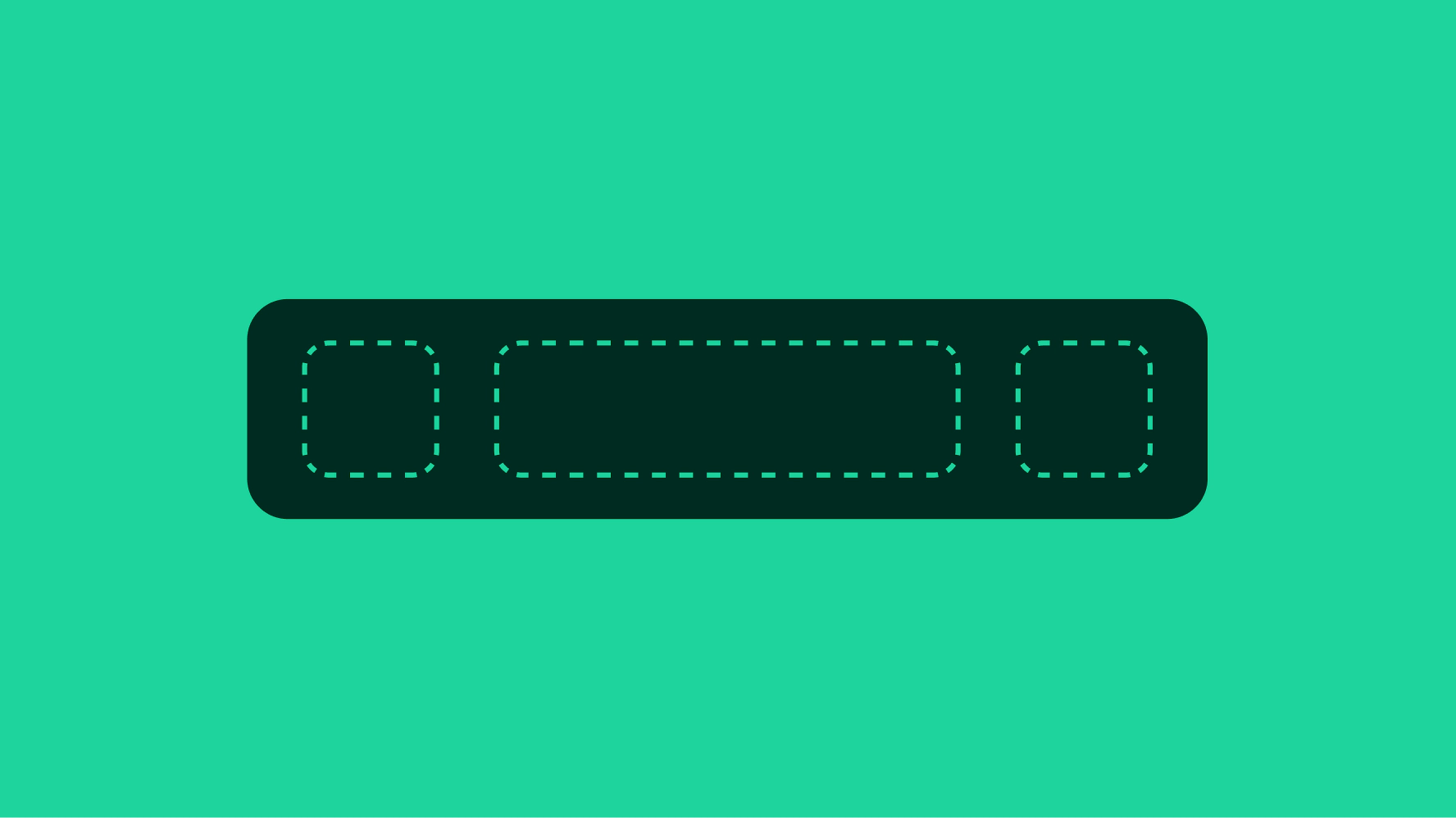
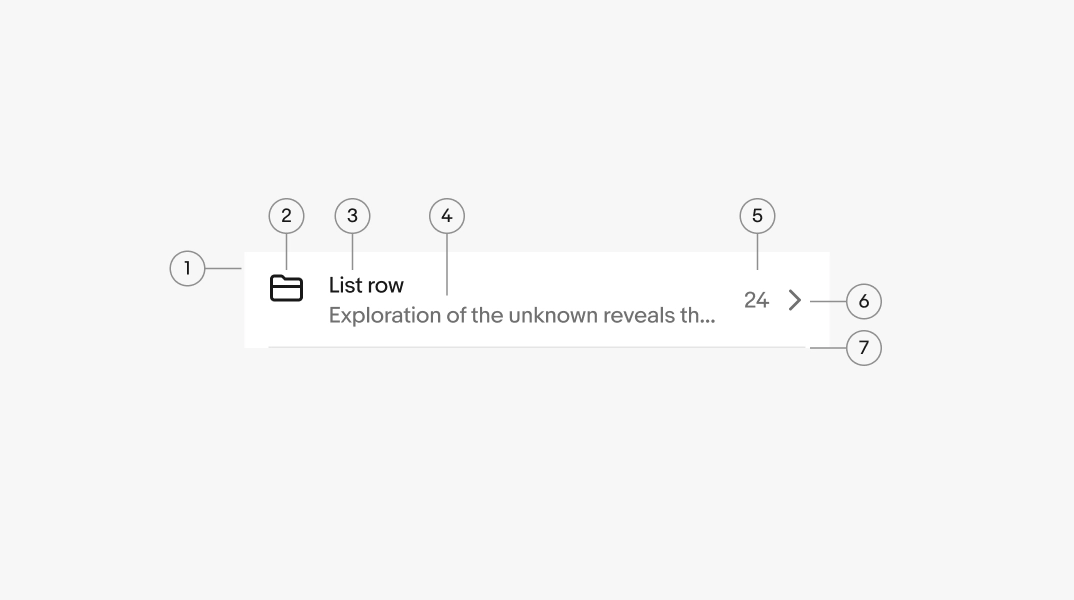
- Container
- Lead element
- Title
- Secondary text
- Trailing text
- Trailing element
- Divider
Lead element
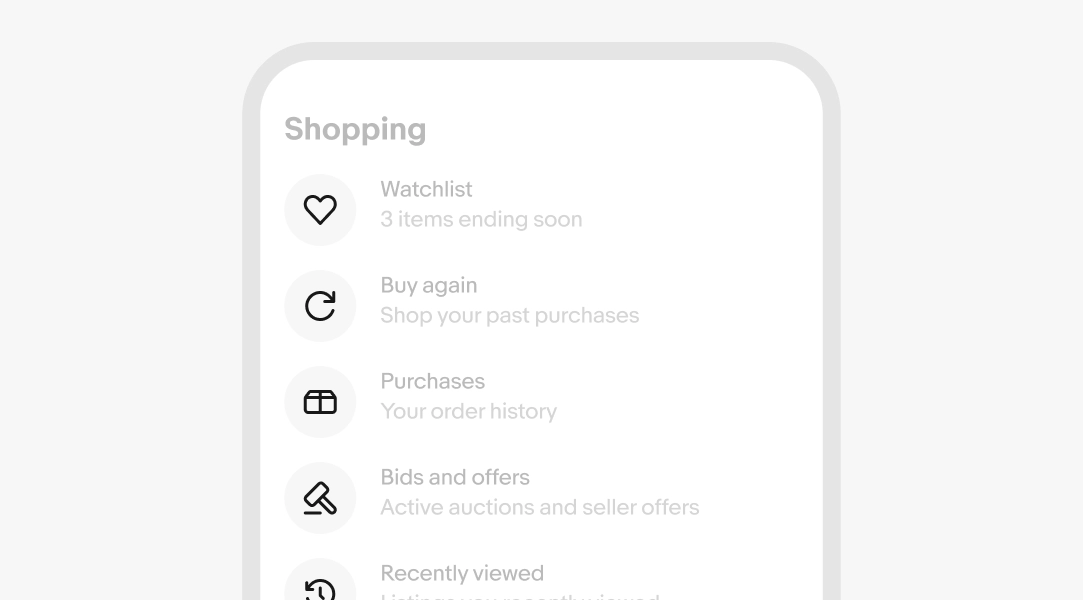
A lead accessory is optional. Common lead accessories include related icons, avatars, images, or selection controls like a checkbox or radio button. There can also be multiple lead accessories for cases like a field with an avatar and a checkbox.
Title
Required. The title is the primary label for the row. Keep it short and distinct so users can scan the list at a glance.
It can sometimes be populated directly from the backend, such as a person's name or account identifier.
- Use sentence case
- No ending punctuation
- Use parallel structure
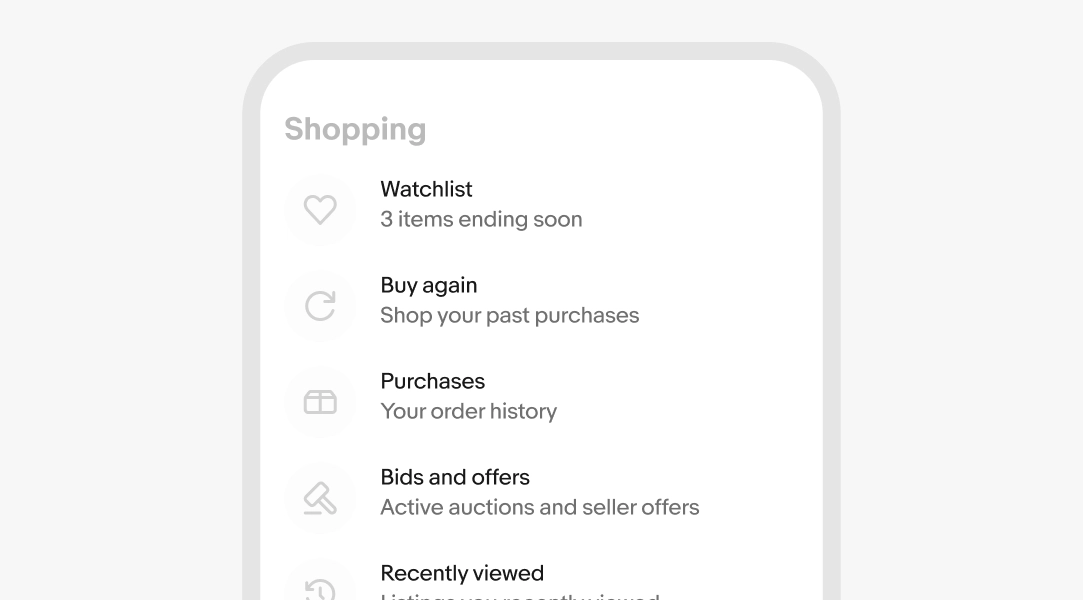
Secondary text
Optional. Secondary text supports the title with additional detail. Be as specific as possible.
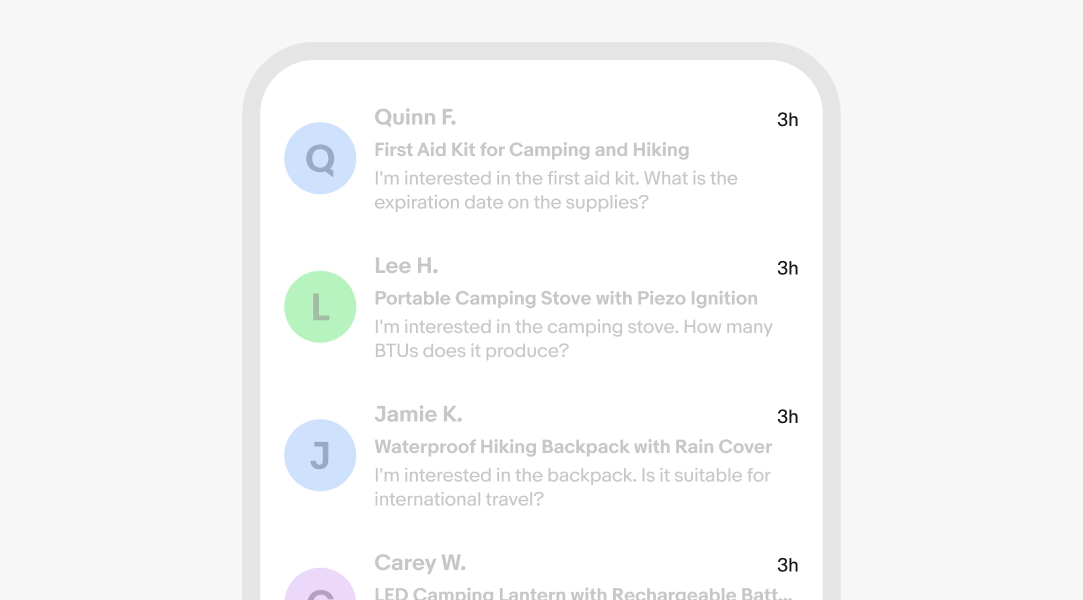
It can sometimes be populated directly from the backend, such as a message preview or account status.
- Use sentence case
- No ending punctuation, unless there's more than 1 sentence
- Use numerals for numbers
Learn more about formatting numerals.
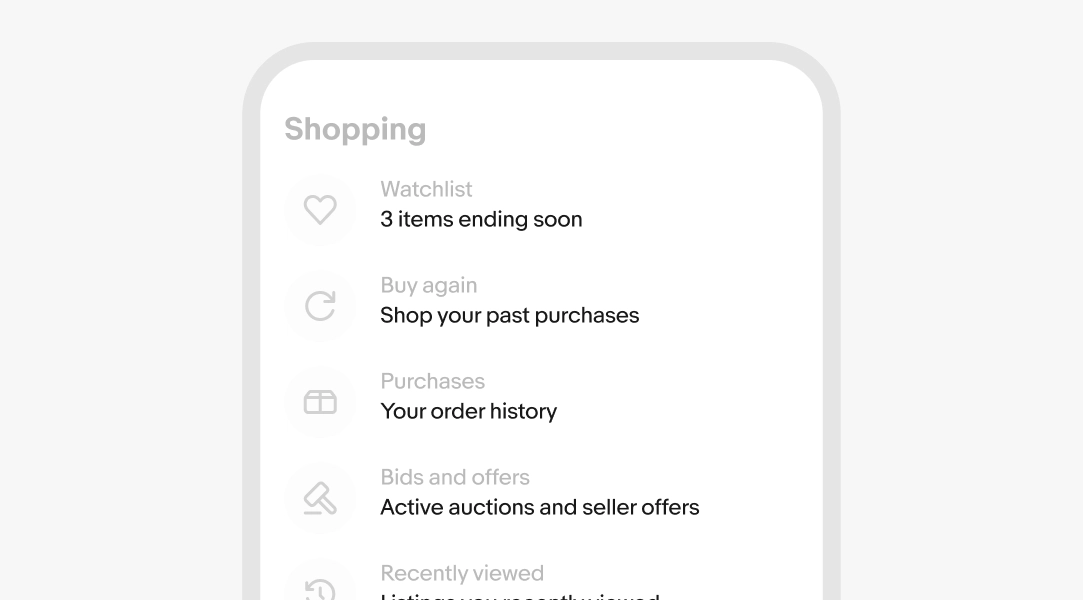
Trailing text
Optional. Trailing text adds short metadata like duration, date, and totals. This is usually populated directly from the backend.
- Use sentence case
- No ending punctuation
- Use numerals for numbers
Learn more about formatting numerals.
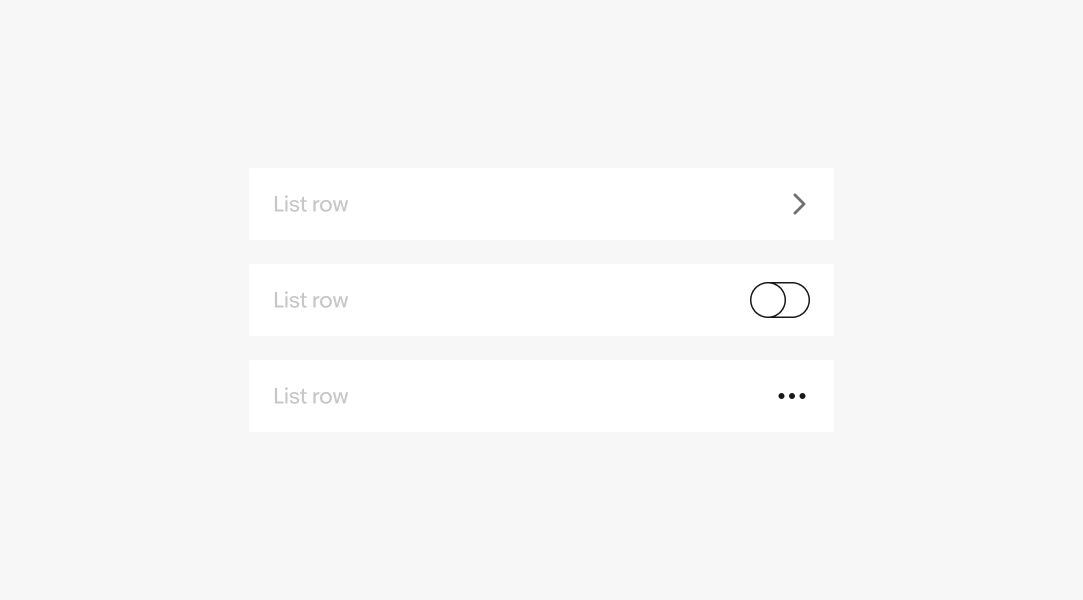
Trailing accessory
A trailing accessory is optional. Trailing accessories commonly afford interaction and can appear across multiple items in a single list row.
Common trailing accessories are navigation disclosure icons, external link disclosures, a toggle switch, an infotip button, or other interactive elements.
Height
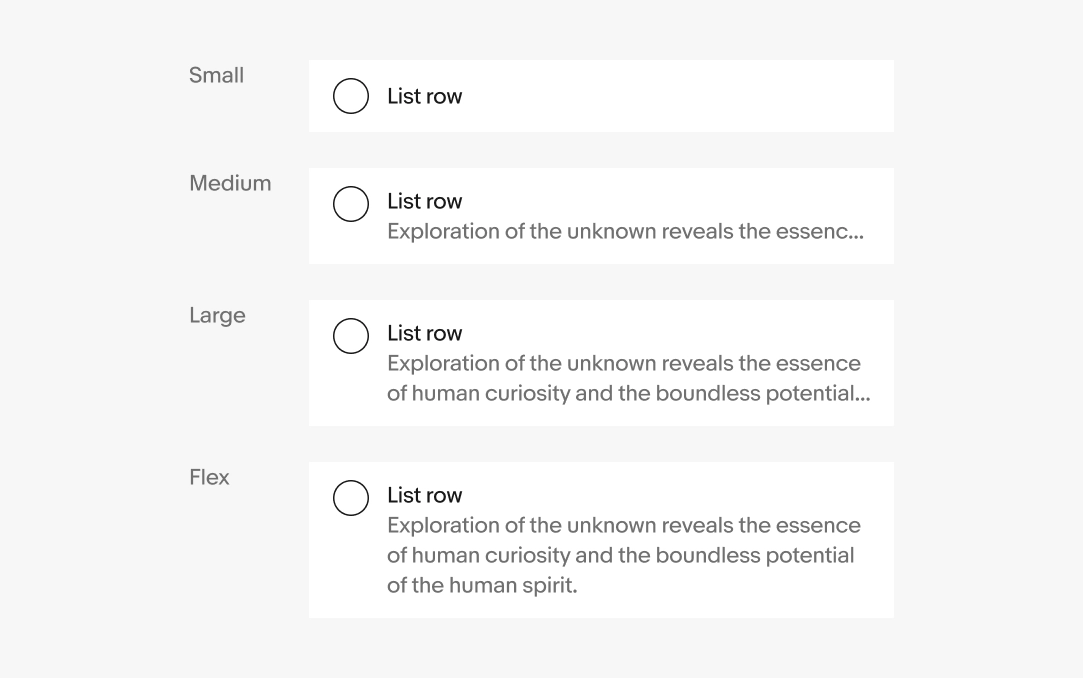
List rows can be set to different heights depending on the amount of its content.
The small size only includes a lead and trailing slot, and a title. Using secondary text defaults to the medium size set to two lines tall. The large size extends to three lines tall. For cases where the secondary text needs to be fully visible, use the flex size to wrap as many lines as necessary.
Dividers
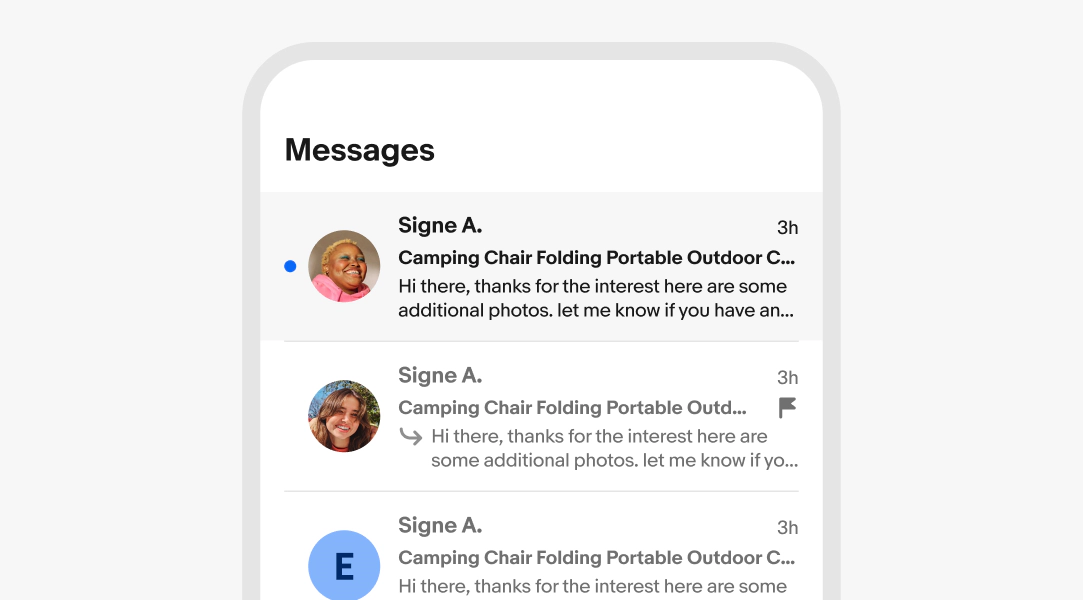
List rows can have a divider to help discern the shape of the container with dense content.
Actionable
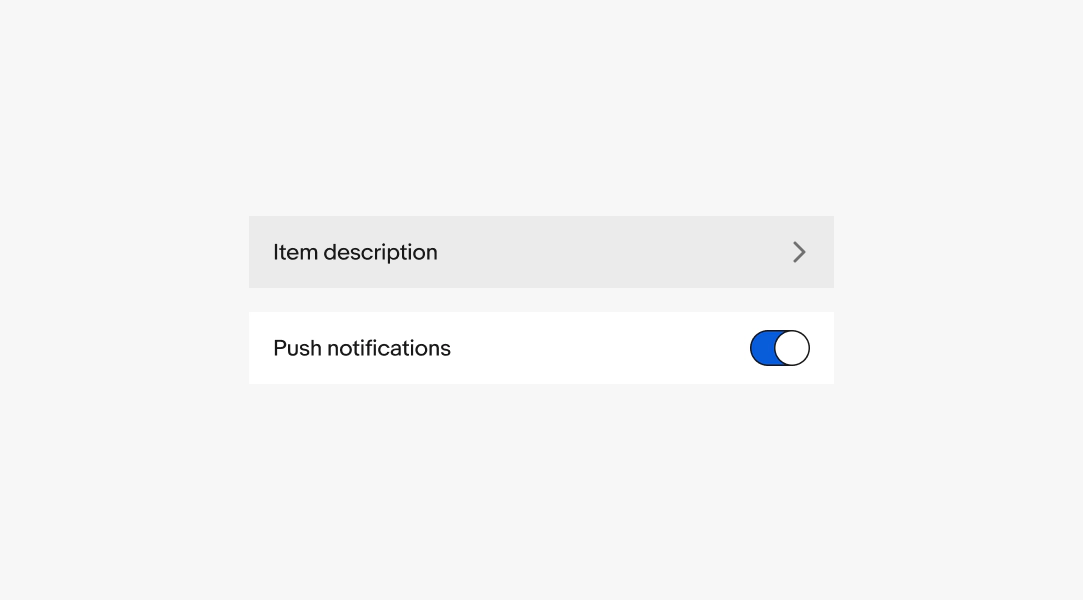
List rows can be directly actionable or static.
Actionable
The entire list row container is one tap target.
Static
Only nested elements are actionable.
Disabled items
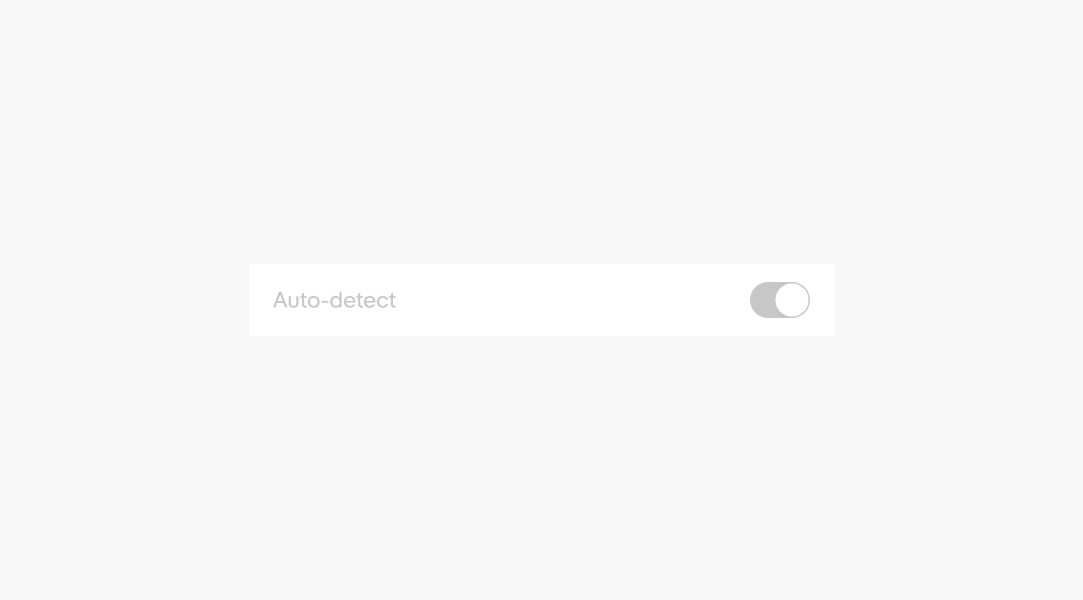
A list row can be disabled if pre-requisites aren’t fulfilled. This is helpful for providing layout consistency and indicating that an option may become available later.
Text overflow
Content expanding beyond the width of the container can either wrap indefinitely or truncate after a certain number of lines.
Content indefinitely wraps to a new line by default.

Width
List rows flex horizontally with their parent container. The overall width is determined by the page layout.
However, avoid allowing list rows to extend larger than 480px. The main content in list rows should maintain a comfortable reading width.

Swipe actions
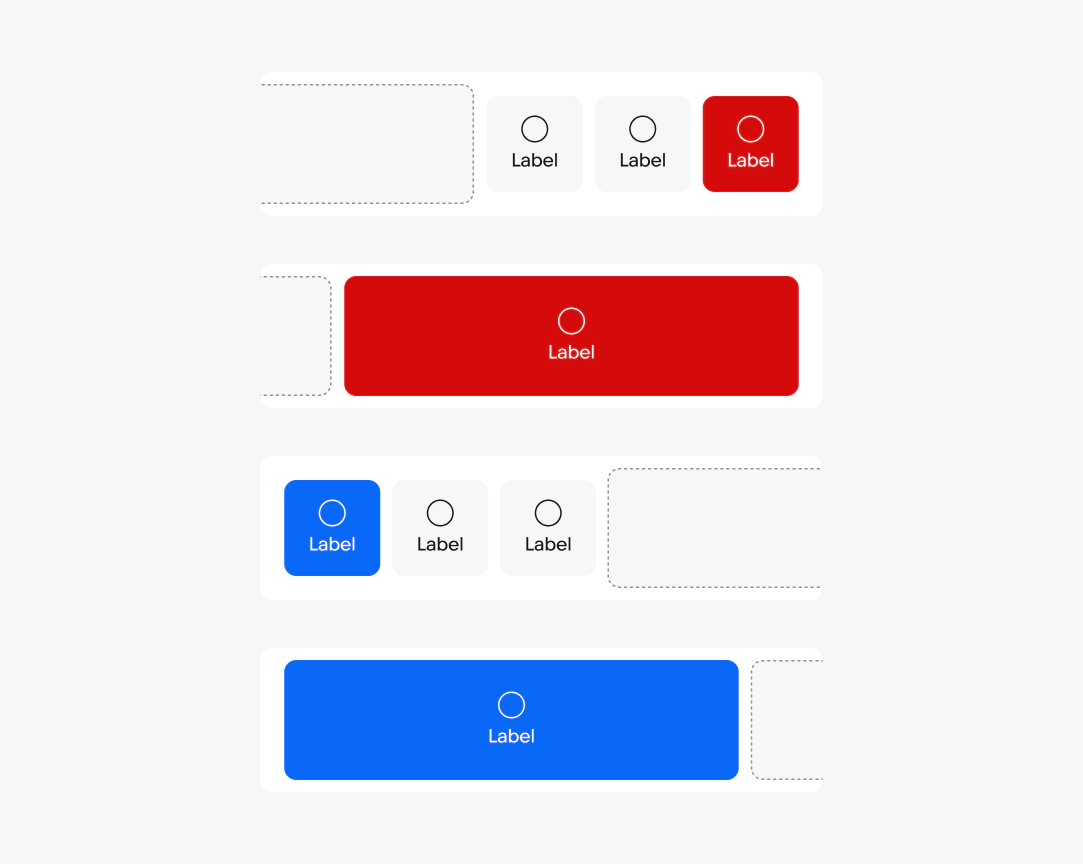
List rows can reveal contextual actions when swiped horizontally. Swipe actions are a touch enhancement and should never be the only way to reach an action.
Leading and trailing actions
Actions can sit on either side of the row. Leading actions, revealed by swiping from the start, typically handle frequent, non-destructive tasks. Trailing actions, revealed by swiping from the end, commonly handle destructive tasks like delete. Reserve destructive styling for actions that remove or undo data.
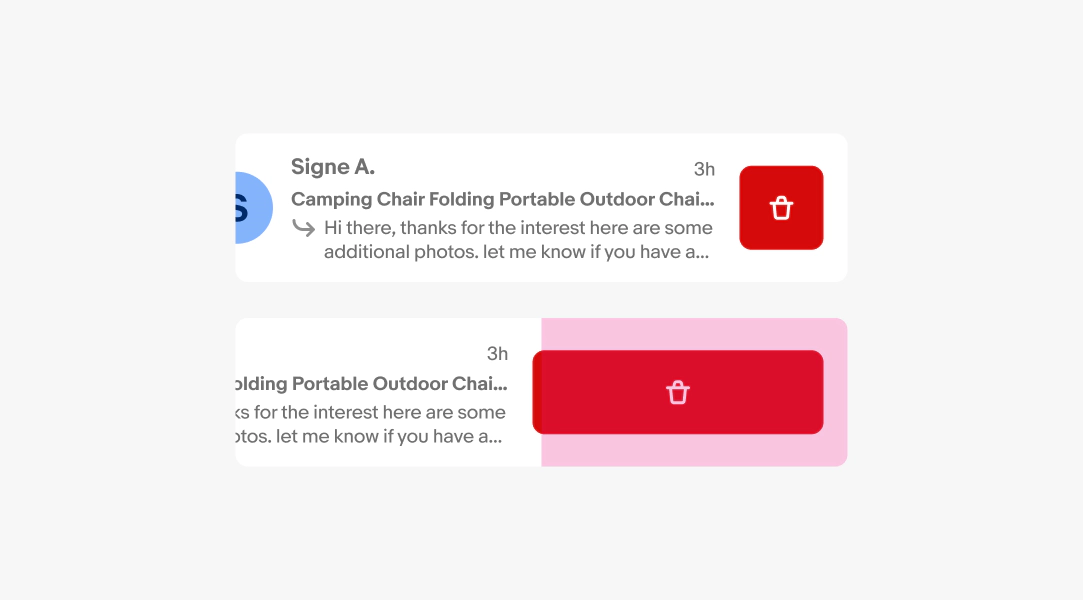
Swipe threshold
By default, the first action commits once the row is dragged halfway across its width. A shorter swipe only reveals the buttons. This 50% default follows native iOS and Android behavior, so avoid adjusting it unless a specific action calls for it.
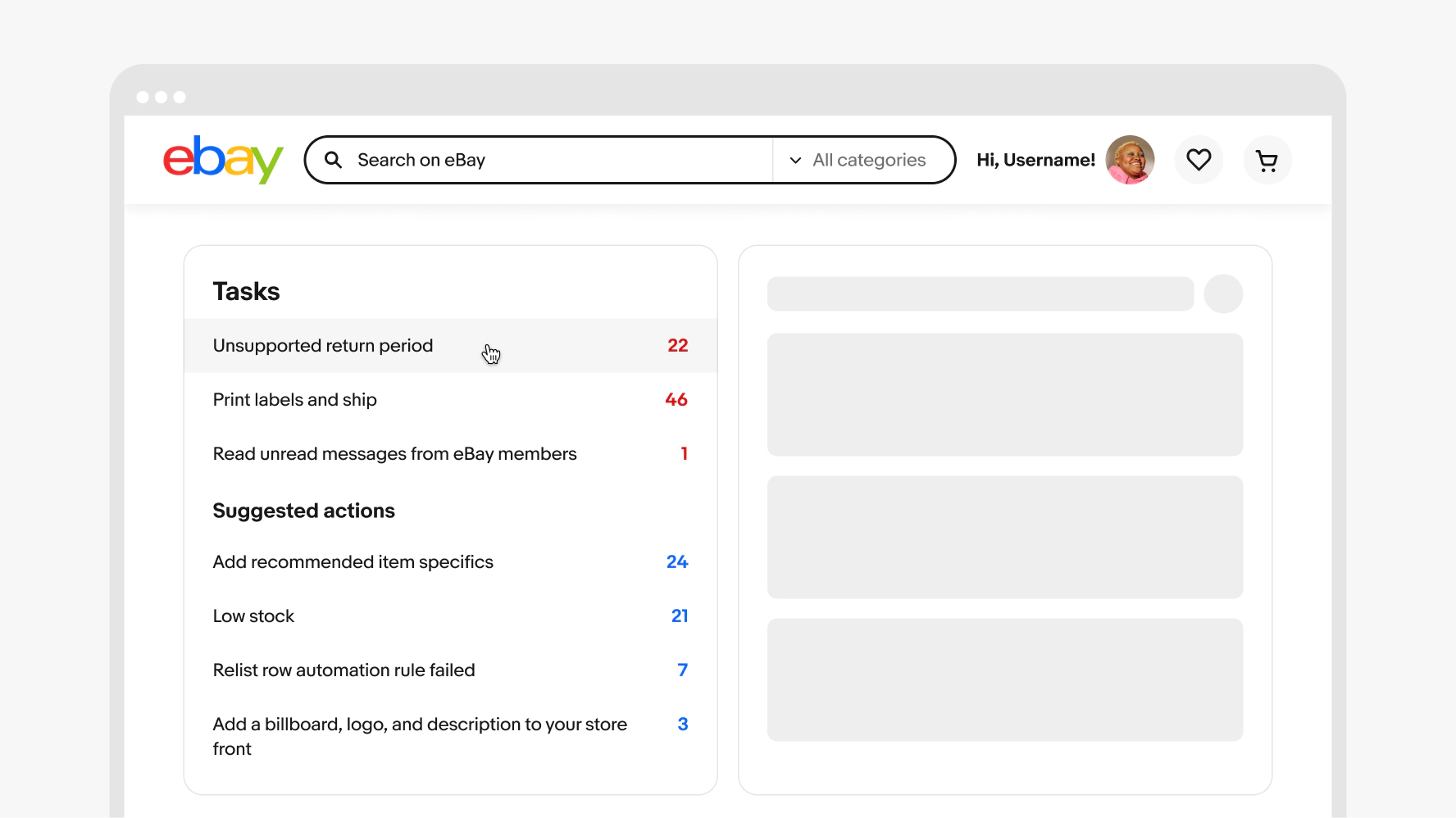
Small
List rows commonly expand the full width of their parent container on small screens.


Medium
List rows adjust to take advantage of the additional visible space available on medium screens. Use a multi-column layout to keep list rows to a comfortable width.
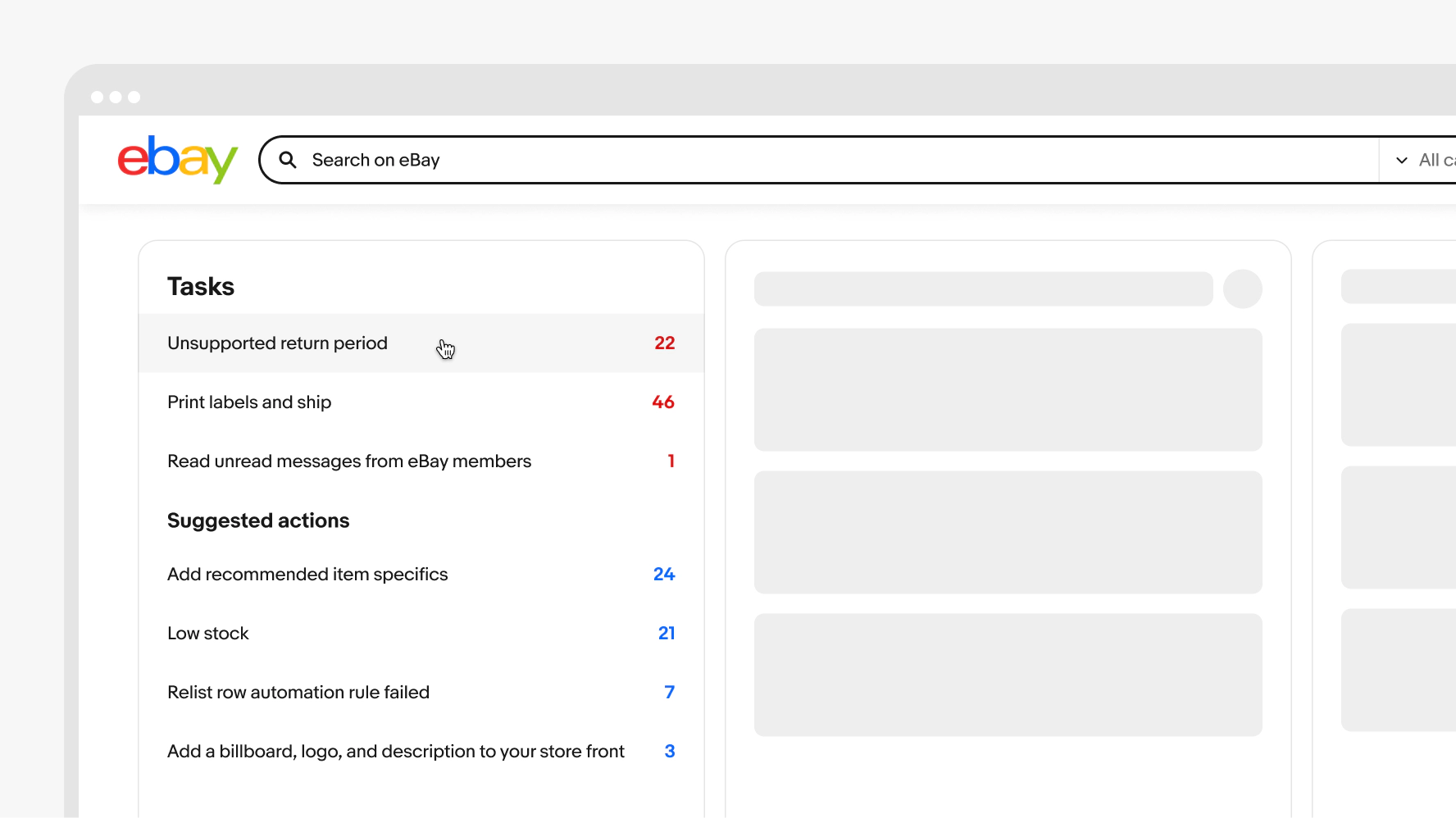
Large
The list row width and layout adjusts on larger screens to take advantage of the additional space on large screens. Use a multi-column layout to keep list rows to a comfortable width.
Icons
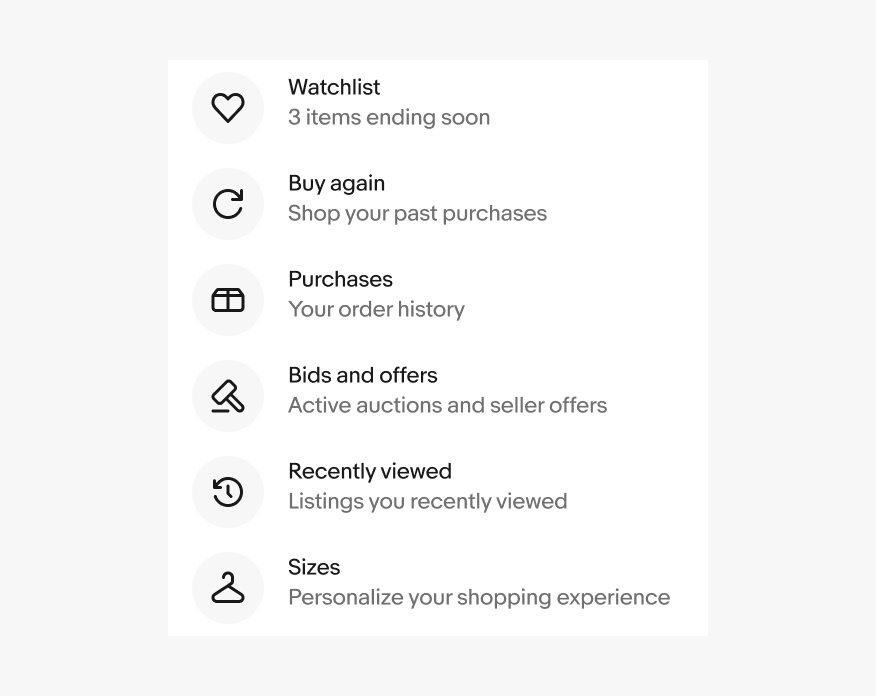
Do use the same layout for list rows in a group.
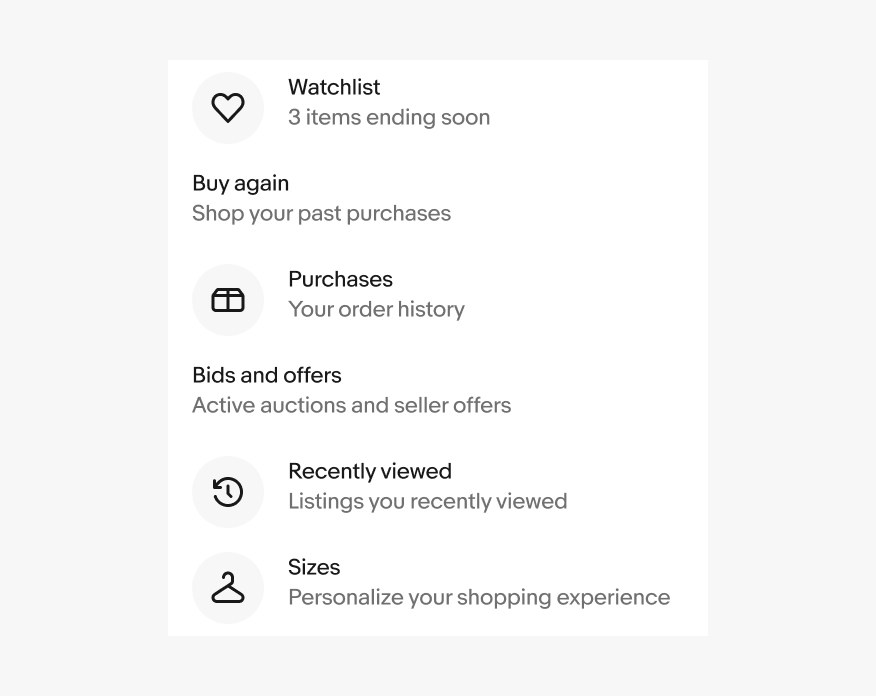
Don’t mix list row layouts in a group.
Nested elements
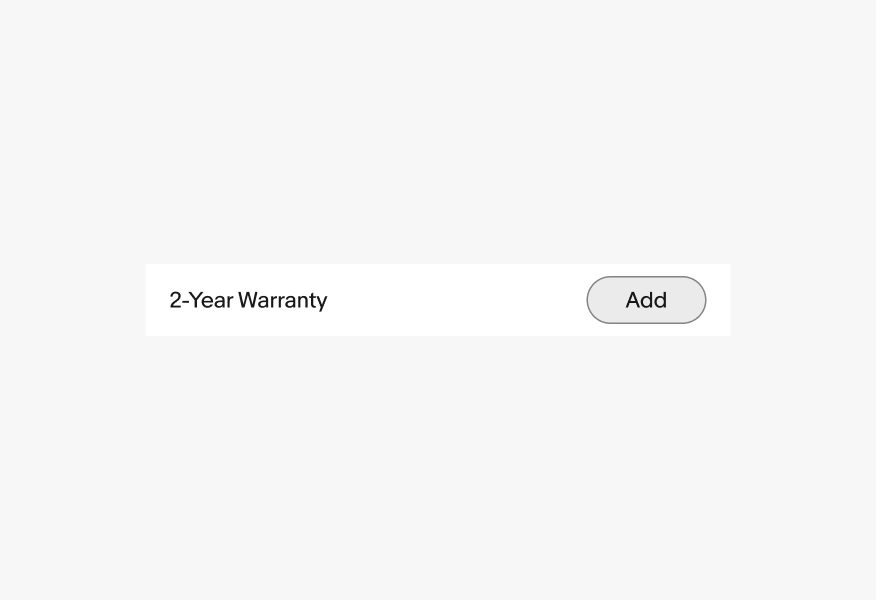
Do keep actionable list rows simple with a single interaction per item. If additional actions are needed, use a static list row.
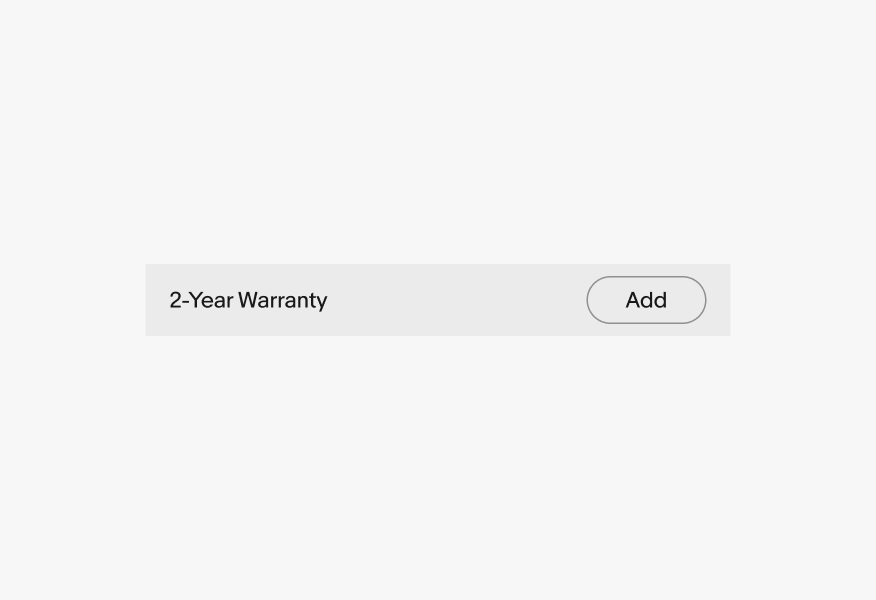
Avoid nesting multiple interactive elements in actionable list rows. This increases the chance of mistaken taps and may be difficult for users with motor issues to navigate.
Congruent list rows
Do omit dividers for congruent list rows.

Don’t include dividers on multiple list row elements within a row group.

Width
Adjust the width of the list rows by shifting to different layouts like multi-column, primary-secondary, or list-detail views.

Avoid full width rows on larger screens. End content can be lost and the excessive line lengths make it difficult to read longer content.