Context sheet
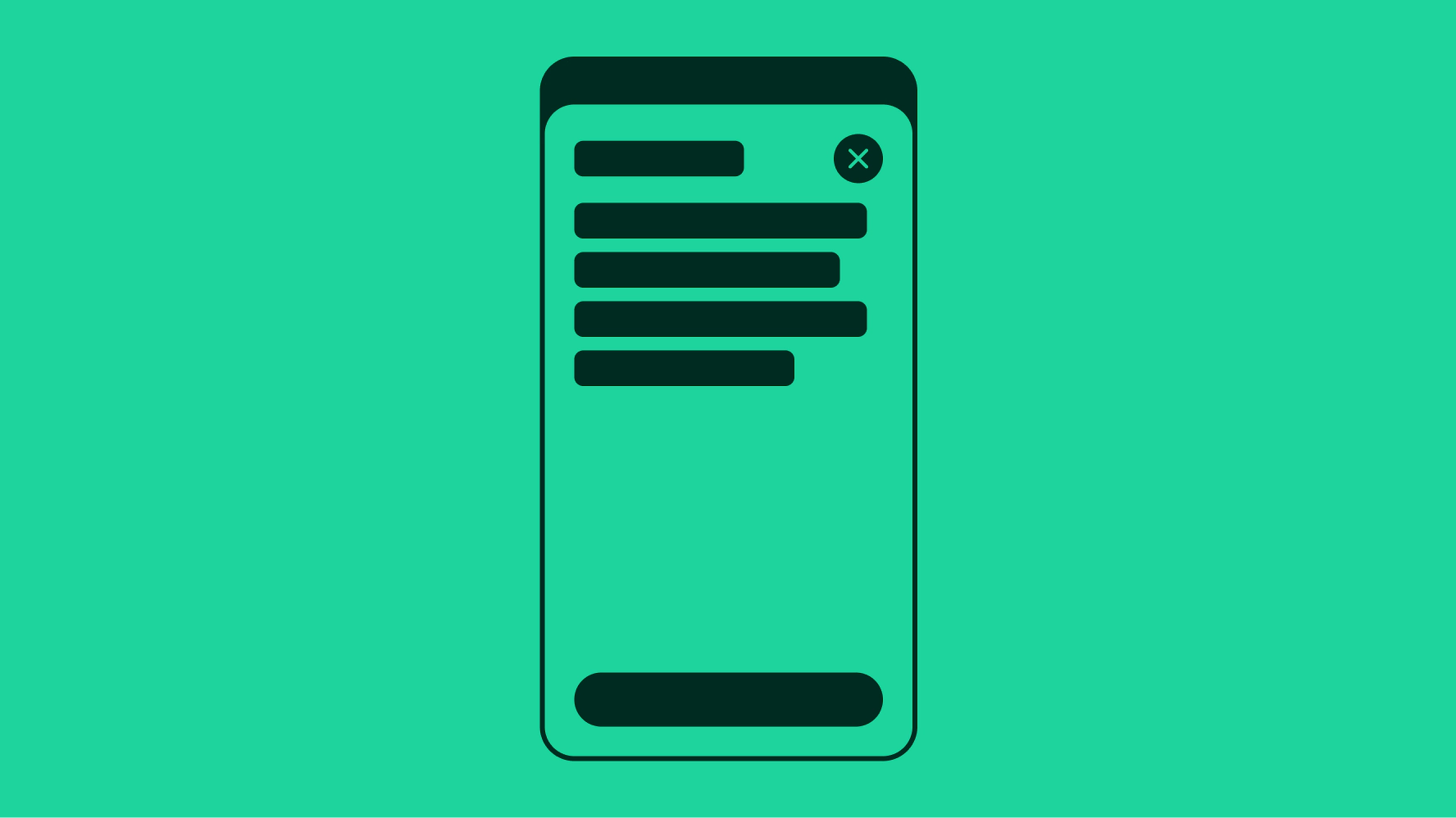
A context sheet is an elevated, medium-attention surface for quick access to actions or information.
Contextual
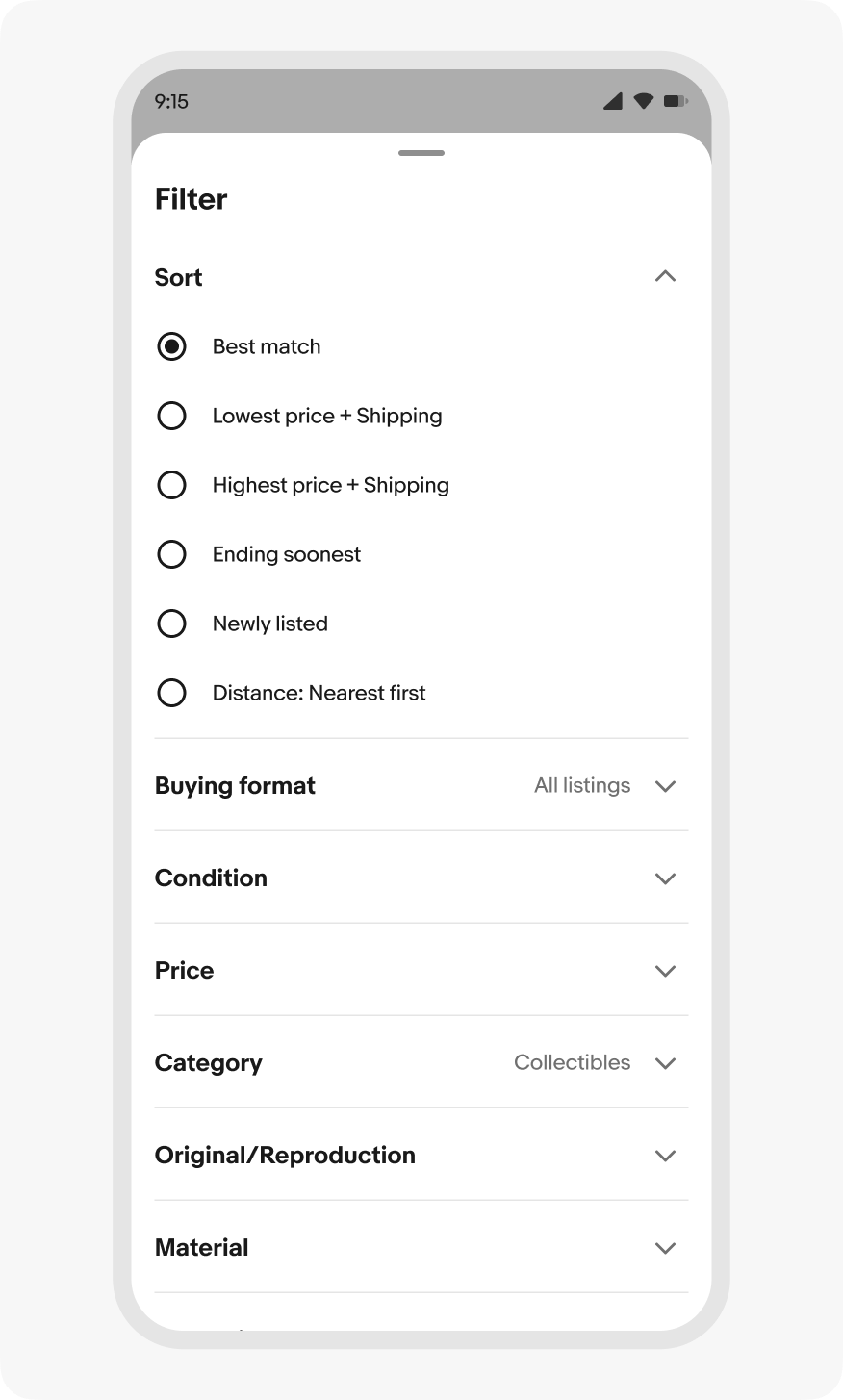
Context sheets are always tied to the screen or flow it supplements, like filters for a results list.
Flexible
The underlying screen remains visible and can remain interactive.
Lightweight but persistent
Stays open until dismissed or until the user completes their action.
Use for
- Filtering or refining a search or browse experience.
- Editing secondary settings that influence the main view.
- Viewing or editing a listing preview from an elevated surface.
Don’t use
- For critical, blocking tasks (use Focus sheet instead).
- For quick, transient actions (use Menu instead).
- For dense, persistent navigation (use a dedicated Navigation Rail).
Sheet
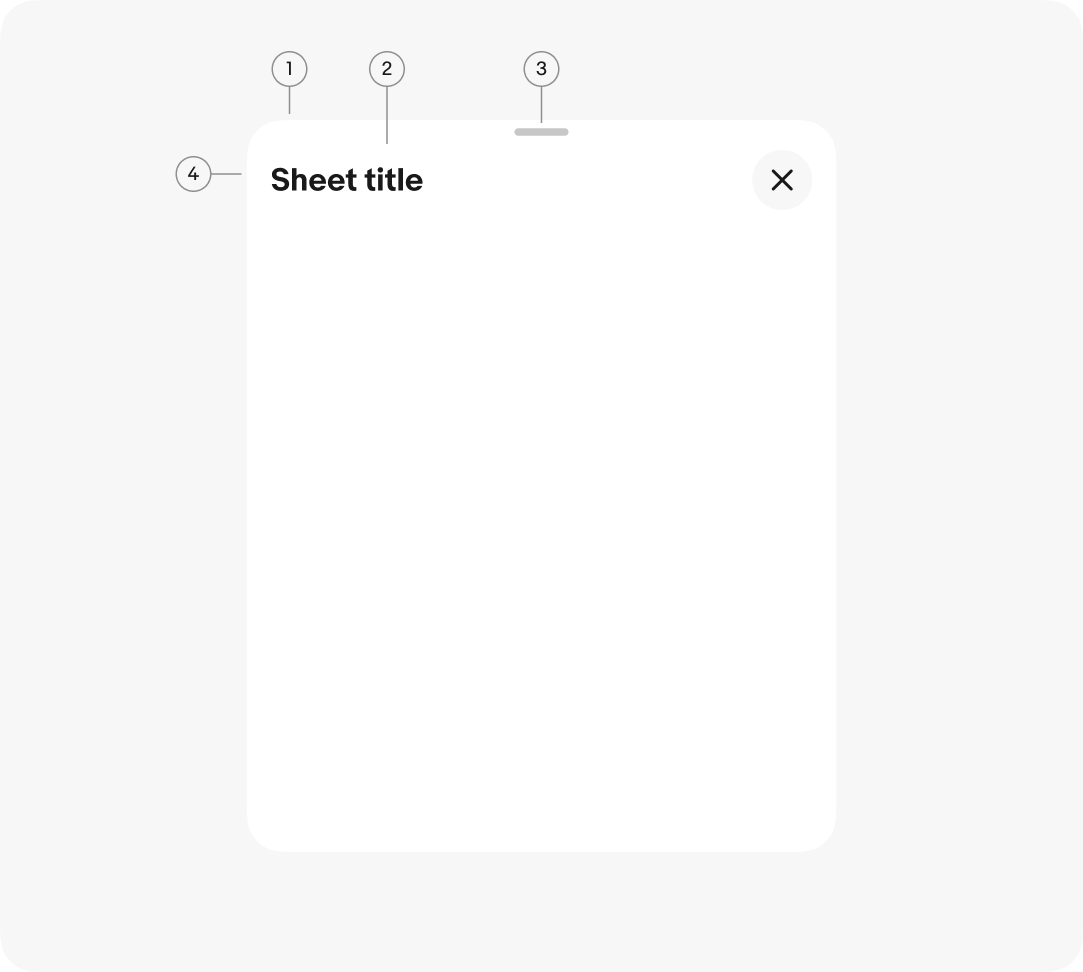
Context sheets inherit common properties and behaviors from the primitive sheet component.
Presentation
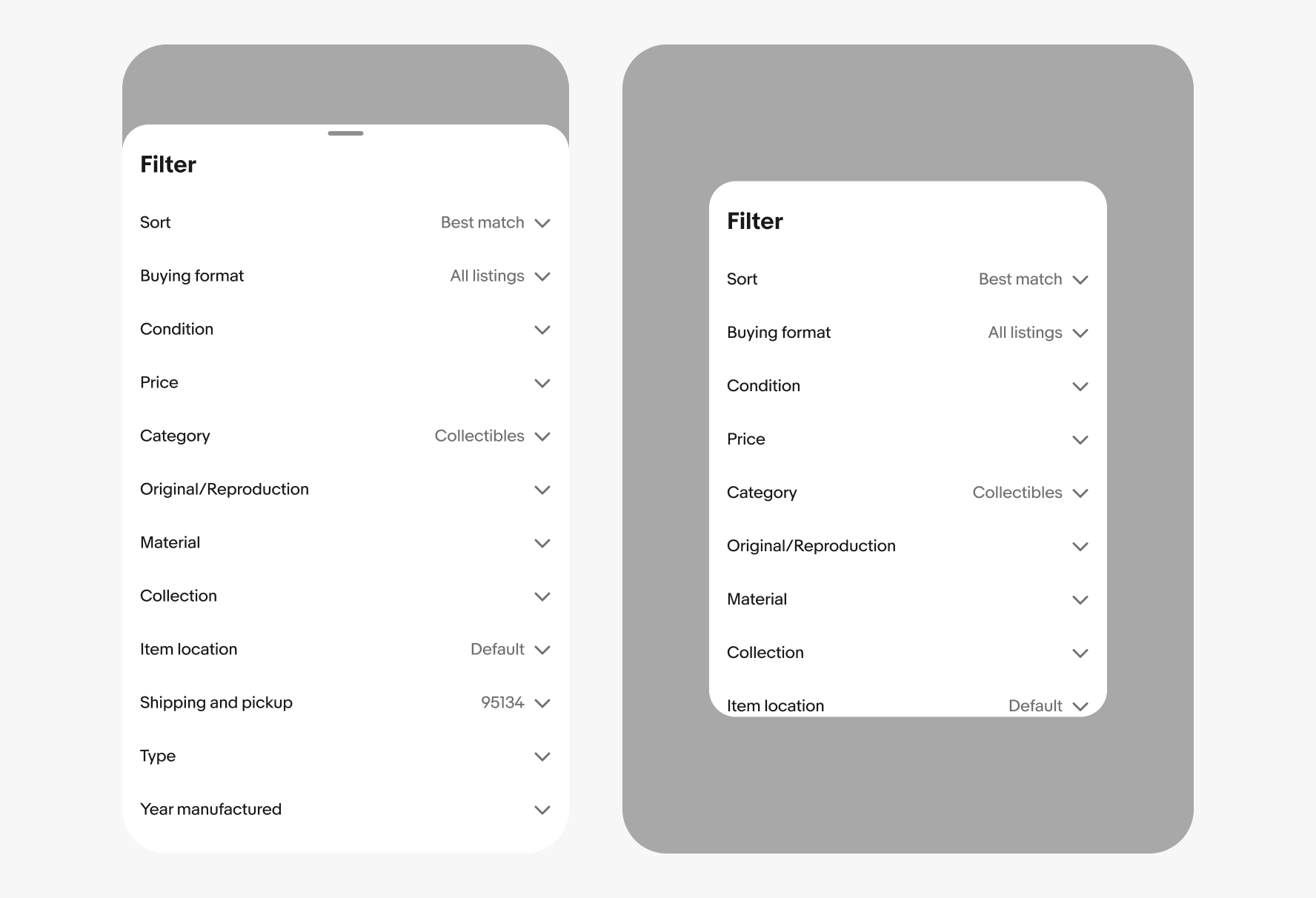
Context sheets appear from the bottom on small screens and the center of larger screens.
Minimum sheet height
To maintain ergonomics and readability on smaller screens, context sheets have a minimum height of 200px. Content that doesn’t fill the space of a minimum sheet will have white space below the content area.

Navigation
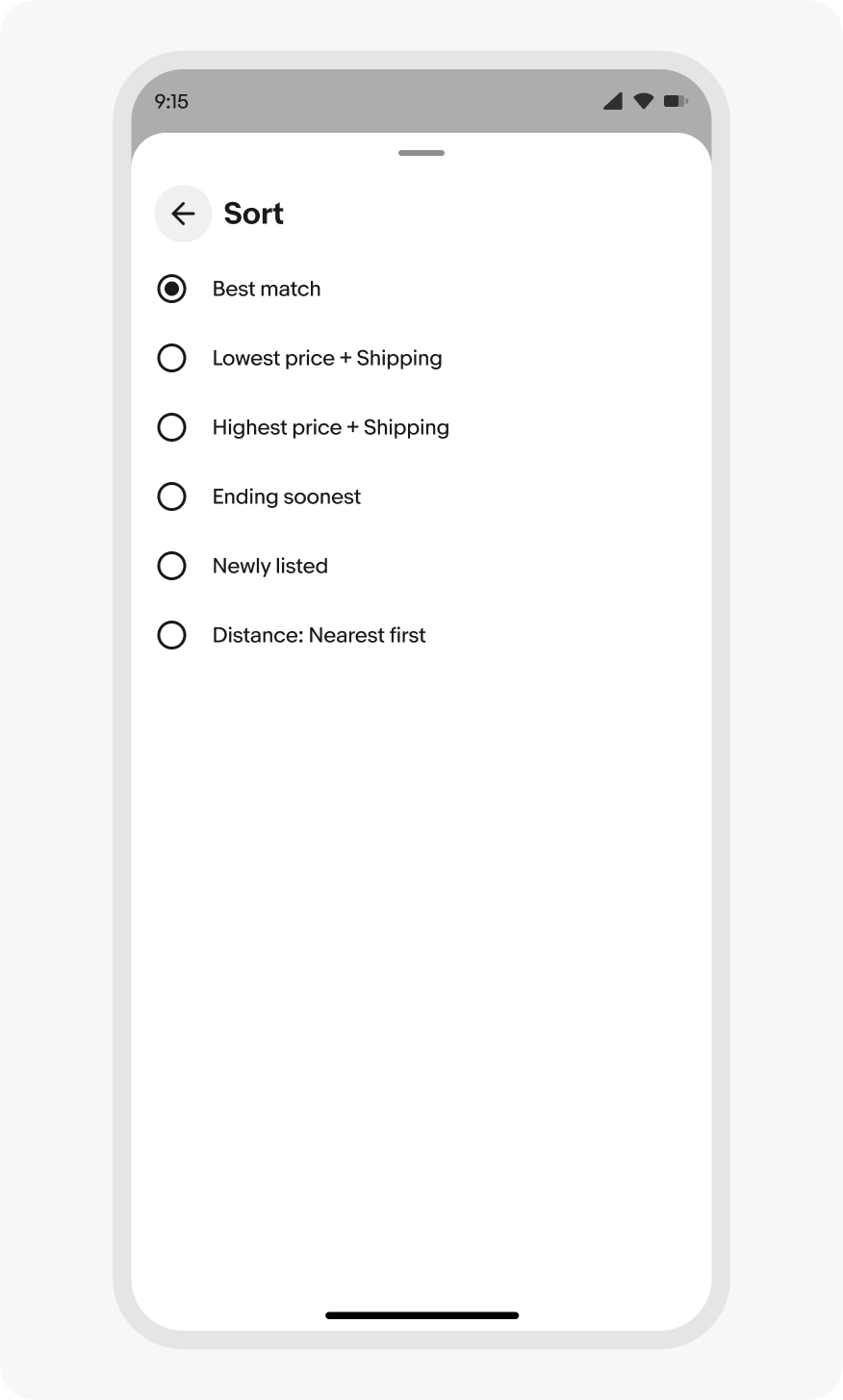
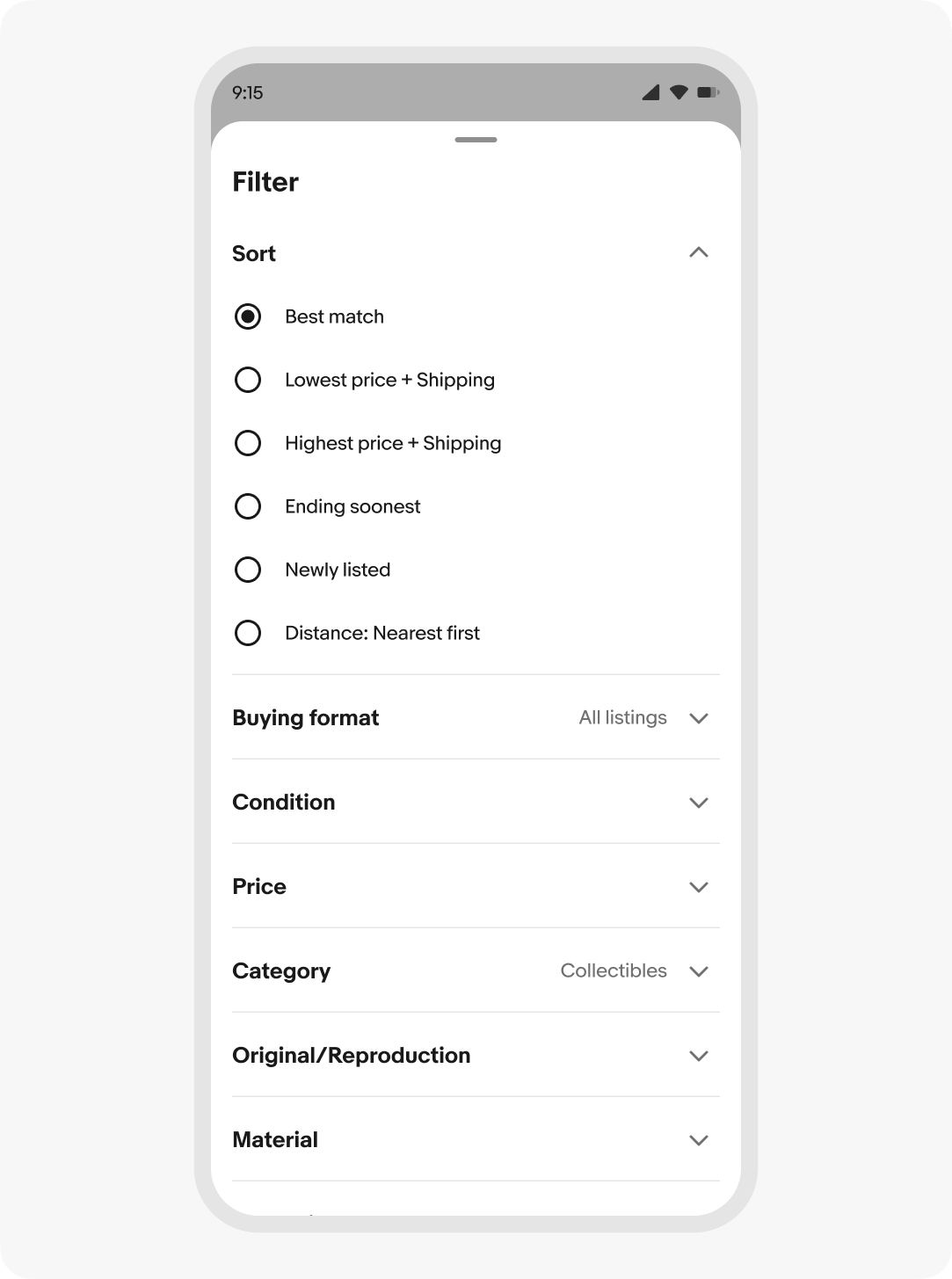
Navigating within a context sheet should be avoided where possible. If navigating is necessary, keep it shallow – no more than 1 level deep.
When presenting a secondary view in a context sheet, the primary view content is replaced. The secondary view is dismissed by making a selection or pressing a backward navigation button.
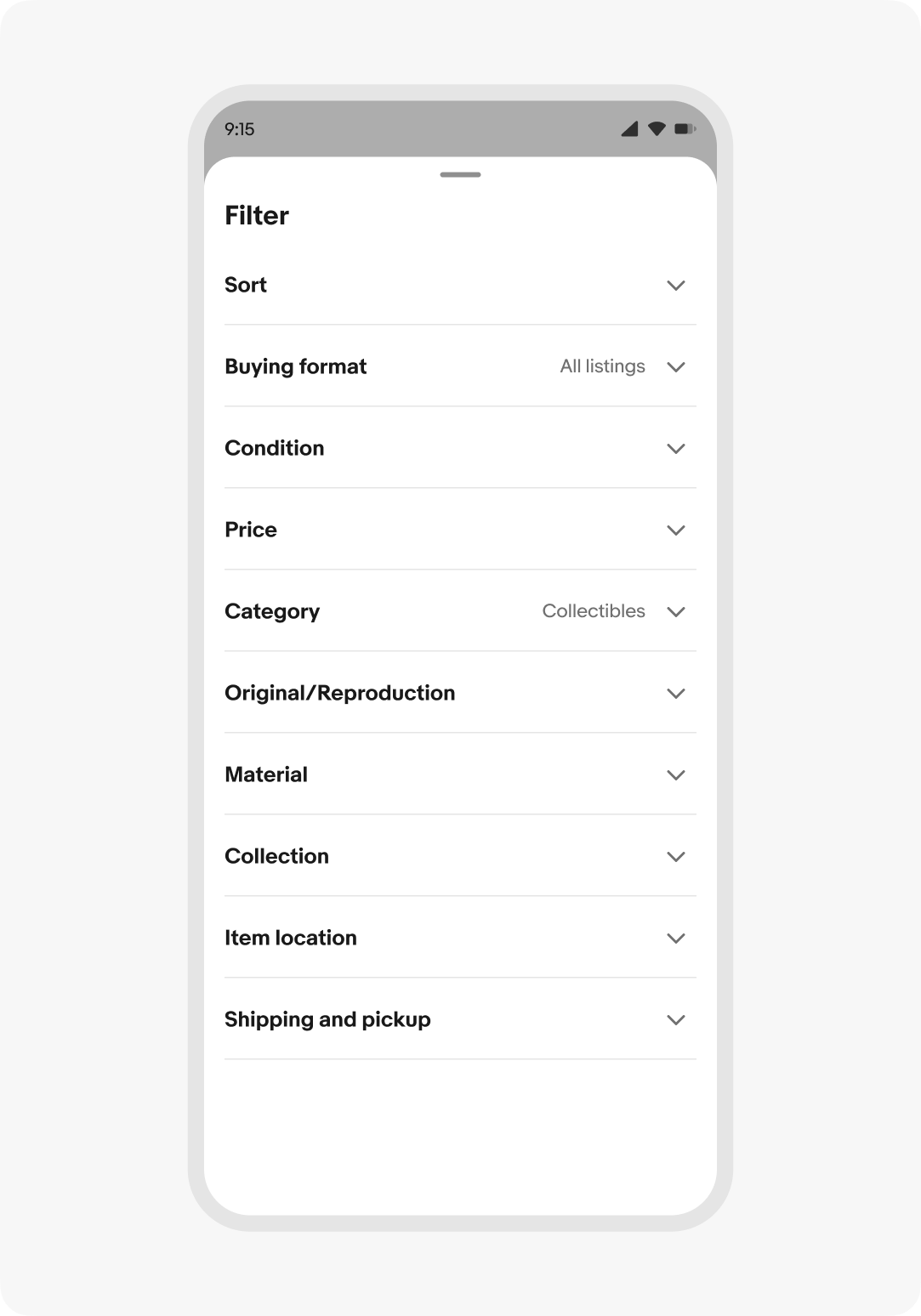
Dismissing
Context sheets are dismissed by:
- Pressing the close button
- Interacting with the scrim (when present)
- Swiping the container to the bottom of the screen
- Pressing the escape button when the general sheet container is focused
- Pressing a hardware back button or using a predicative back gesture
Device keyboards
Context sheets with input fields expand upward with the device keyboard when the field is focused. The sheet moves back down when the keyboard is collapsed.
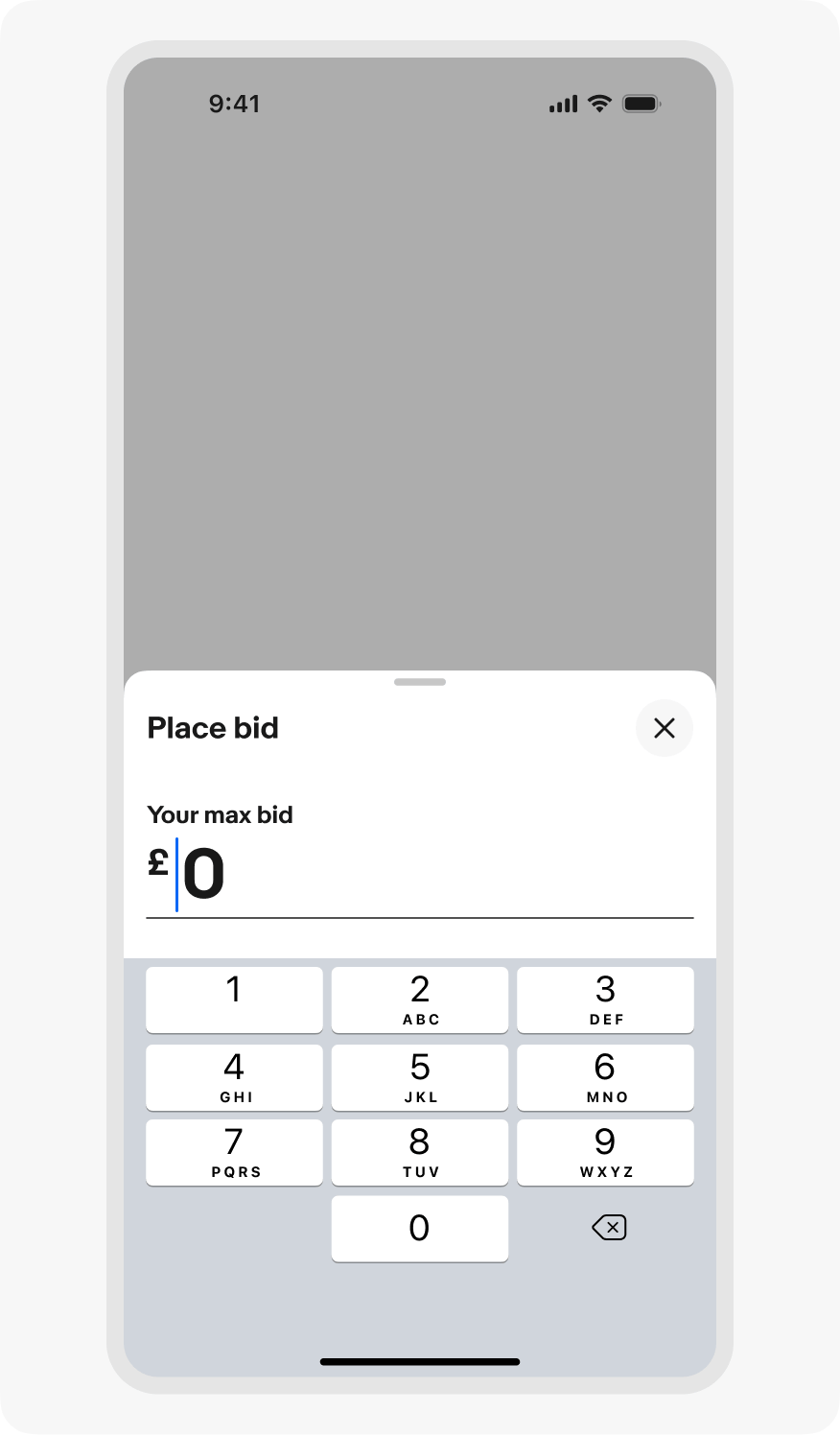
iOS keyboard
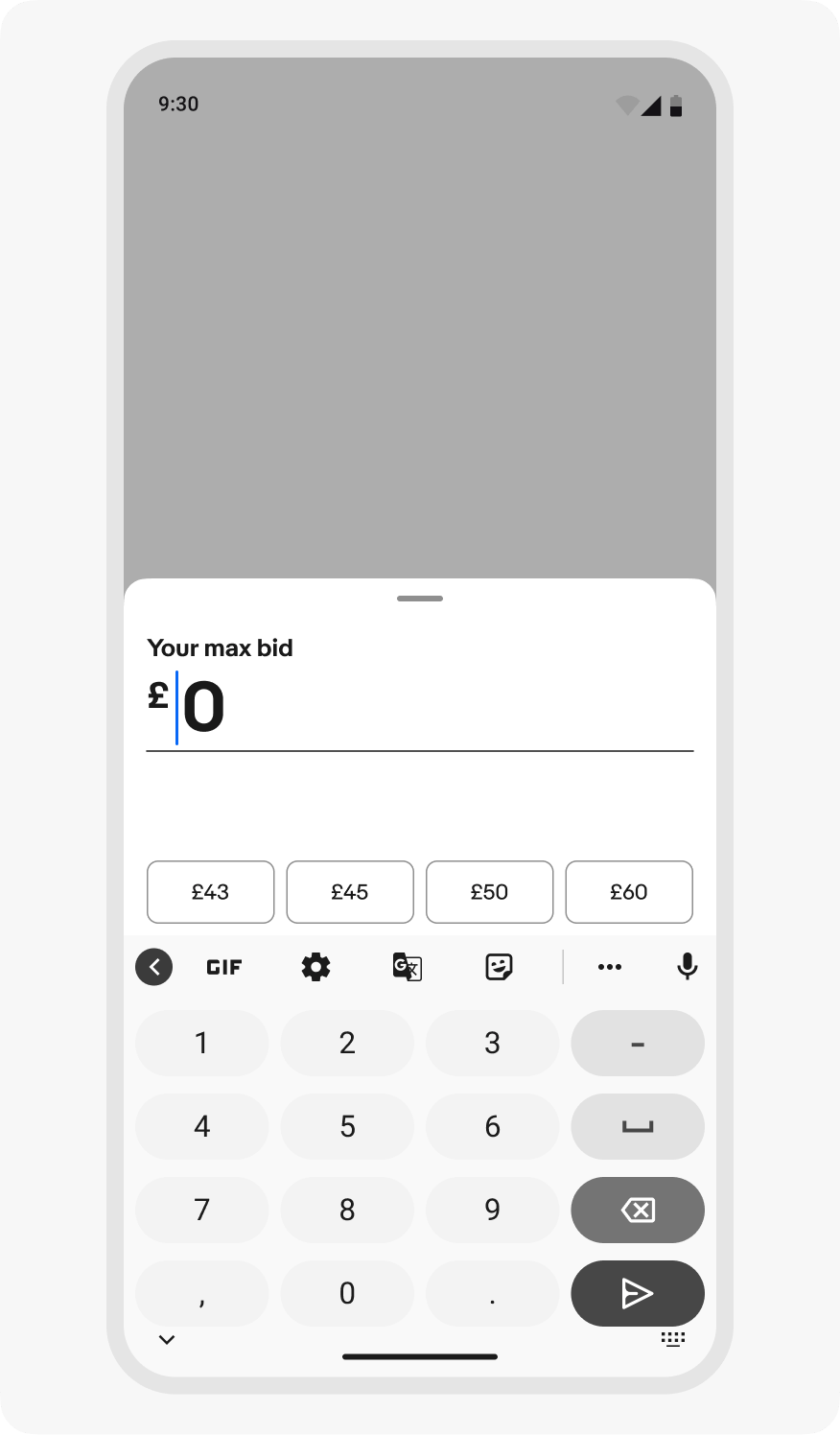
Android keyboard
Small screen
On small screens, the vertical height of a context sheet defaults up to 50% of the screen height. Scrolling the sheet first slides it to full height before the content area scrolls.
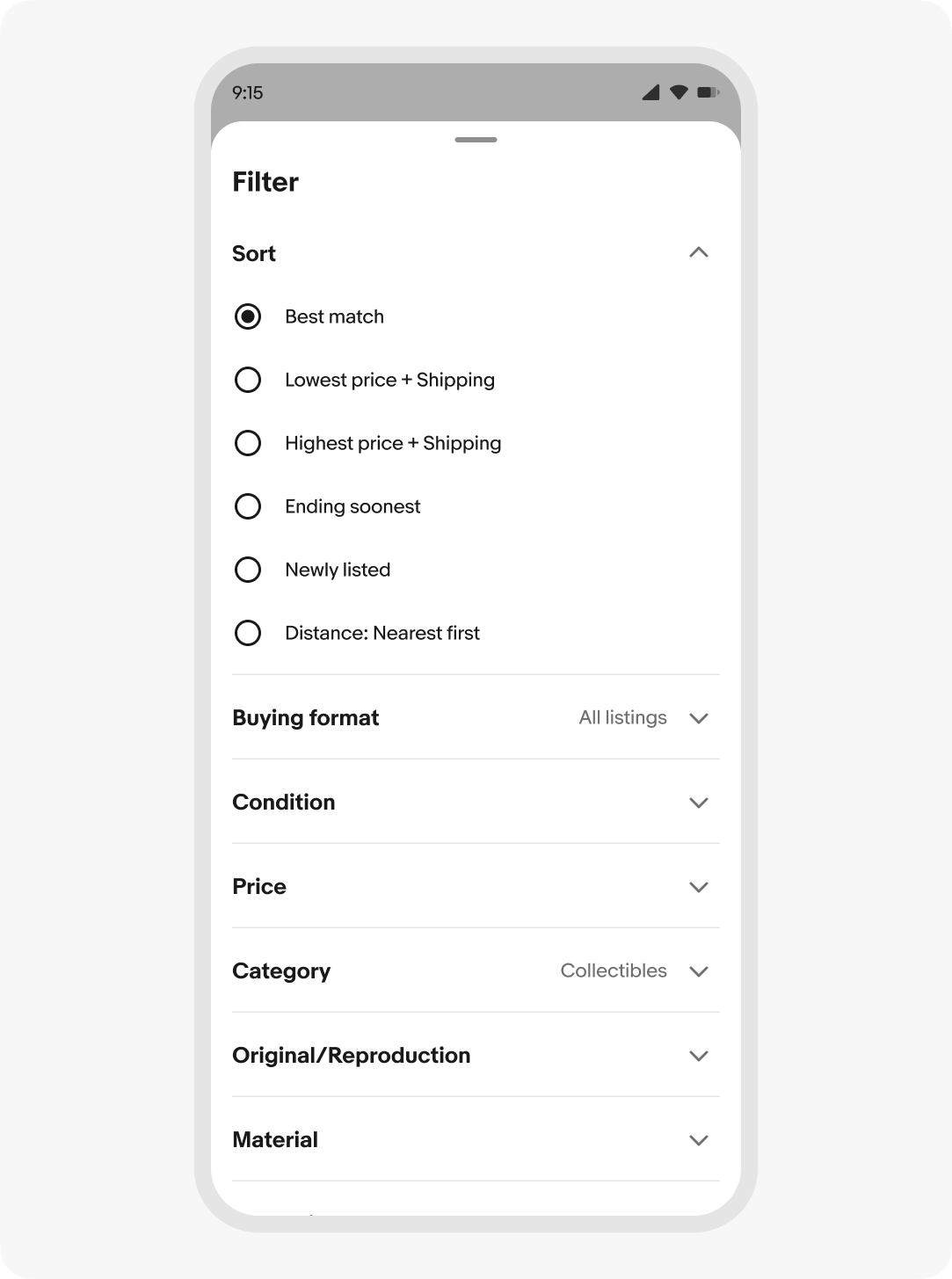
Medium and large screens
On larger screens, context sheets are fixed to the trailing edge of the screen. Content that extends beyond the vertical bounds of the sheet scrolls. The context sheet header and footer are pinned above the scrolled content.
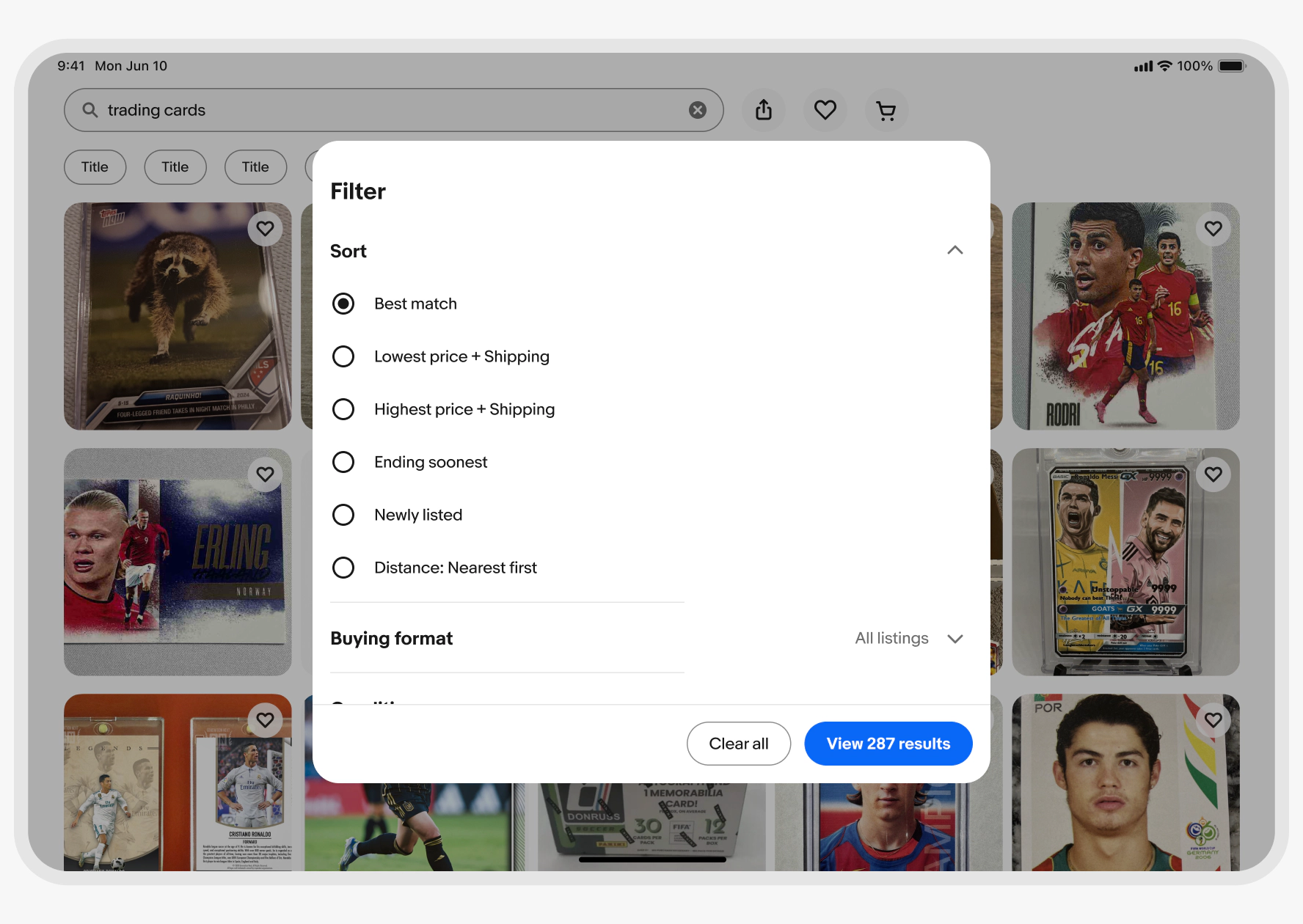
Stacking
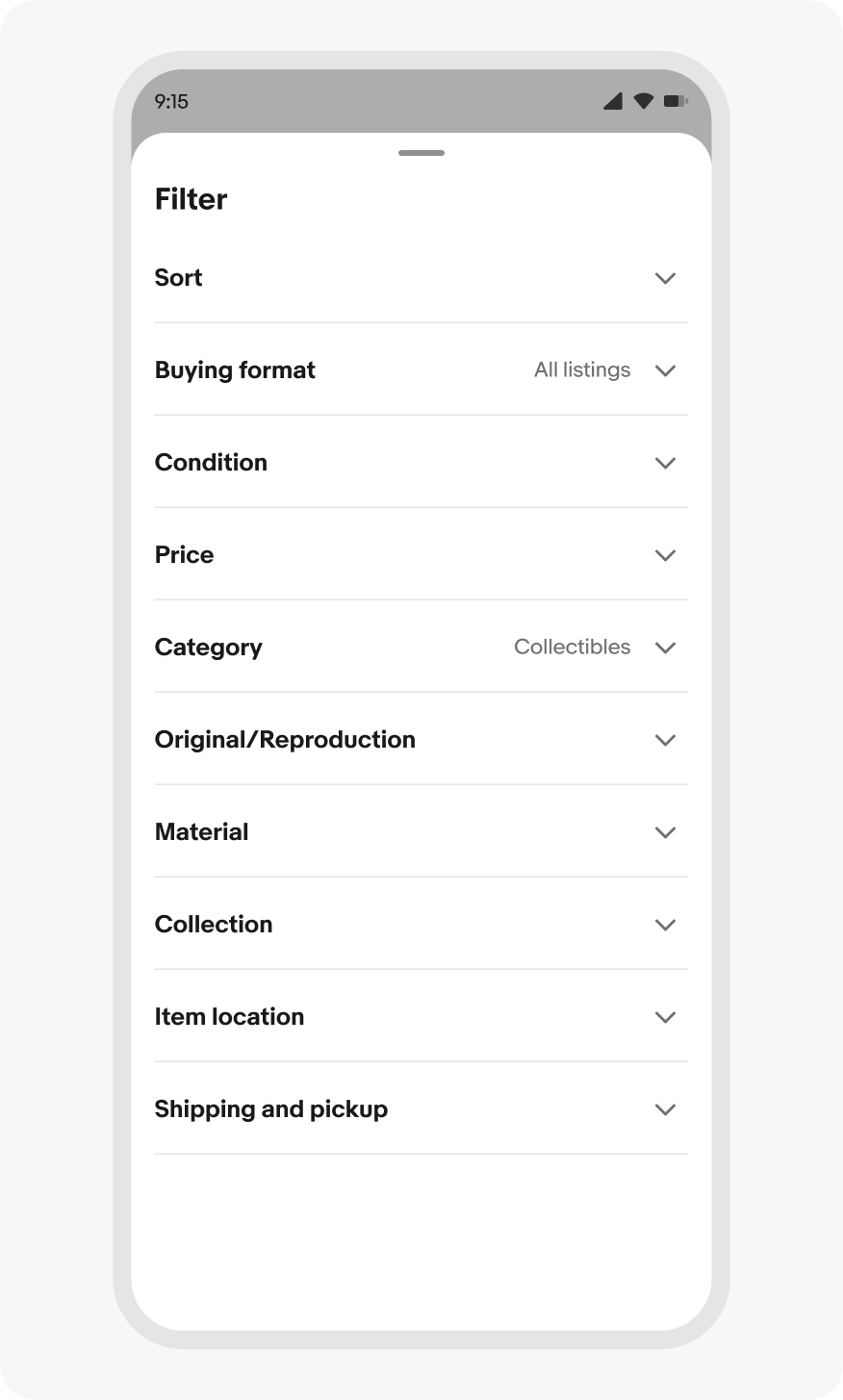
Do keep interactions within context sheets on the sheet surface. Use inline progressive disclosure to reveal additional or optional content.
Don’t launch other context sheets over a context sheet.
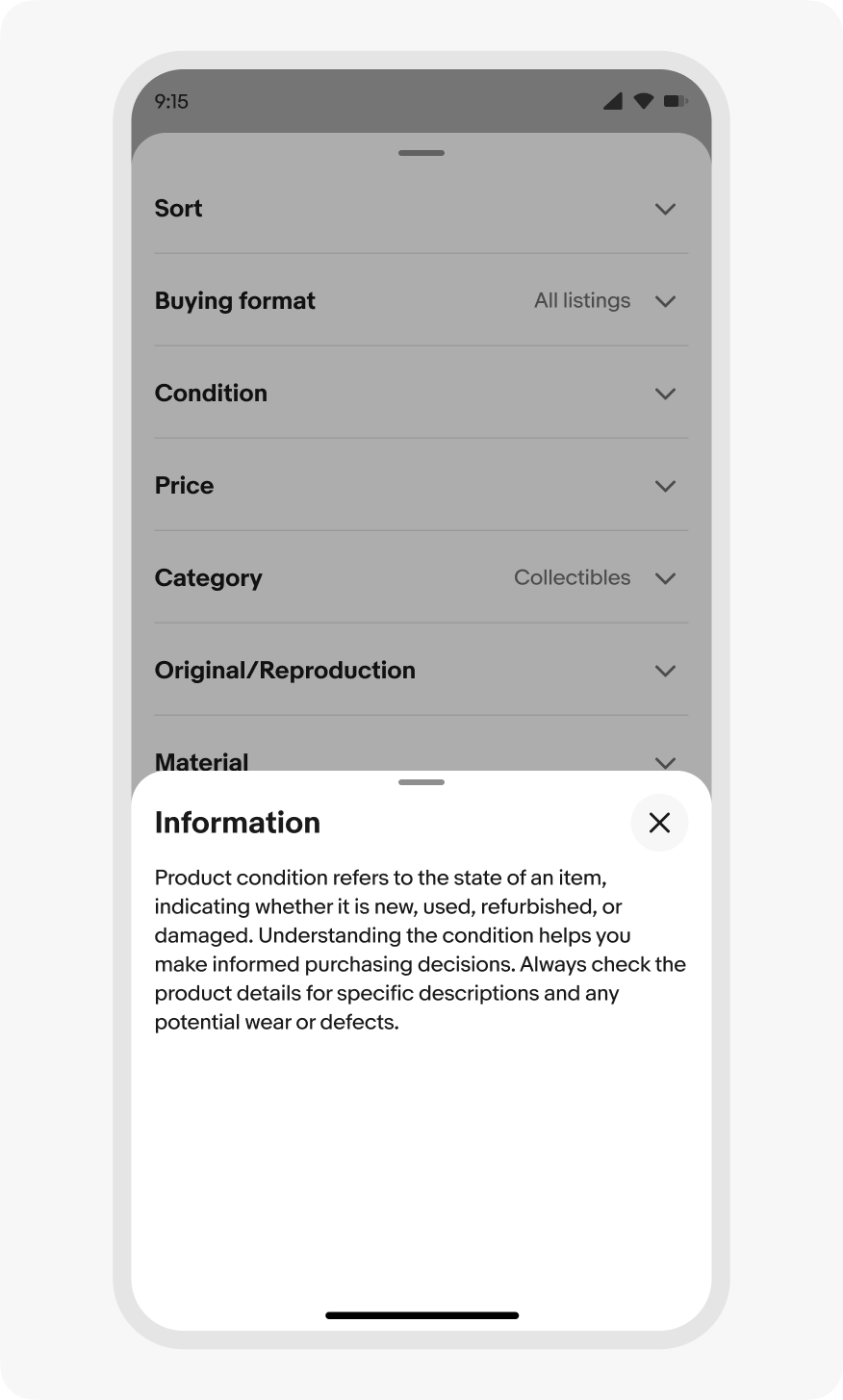
Navigation
Do keep navigation to a minimum within context sheets. Keep the navigation stack shallow when necessary, no more than 1 level.
Don’t nest deep navigation stacks within sheets. The original context gets lost and closing the sheet can have unexpected results.