Focus sheet
A focus sheet is a blocking, high-attention surface that interrupts the user’s primary flow to complete a task. It must be dismissed or resolved before returning to the underlying screen.

A focus sheet is a blocking, high-attention surface that interrupts the user’s primary flow to complete a task. It must be dismissed or resolved before returning to the underlying screen.
Focus sheets inherit common properties and behaviors from the primitive sheet component.
Focus sheet content can scroll horizontally or vertically when extending past the sheet container. A scroll indicator appears temporarily as the content scrolls then fades out when scrolling stops.
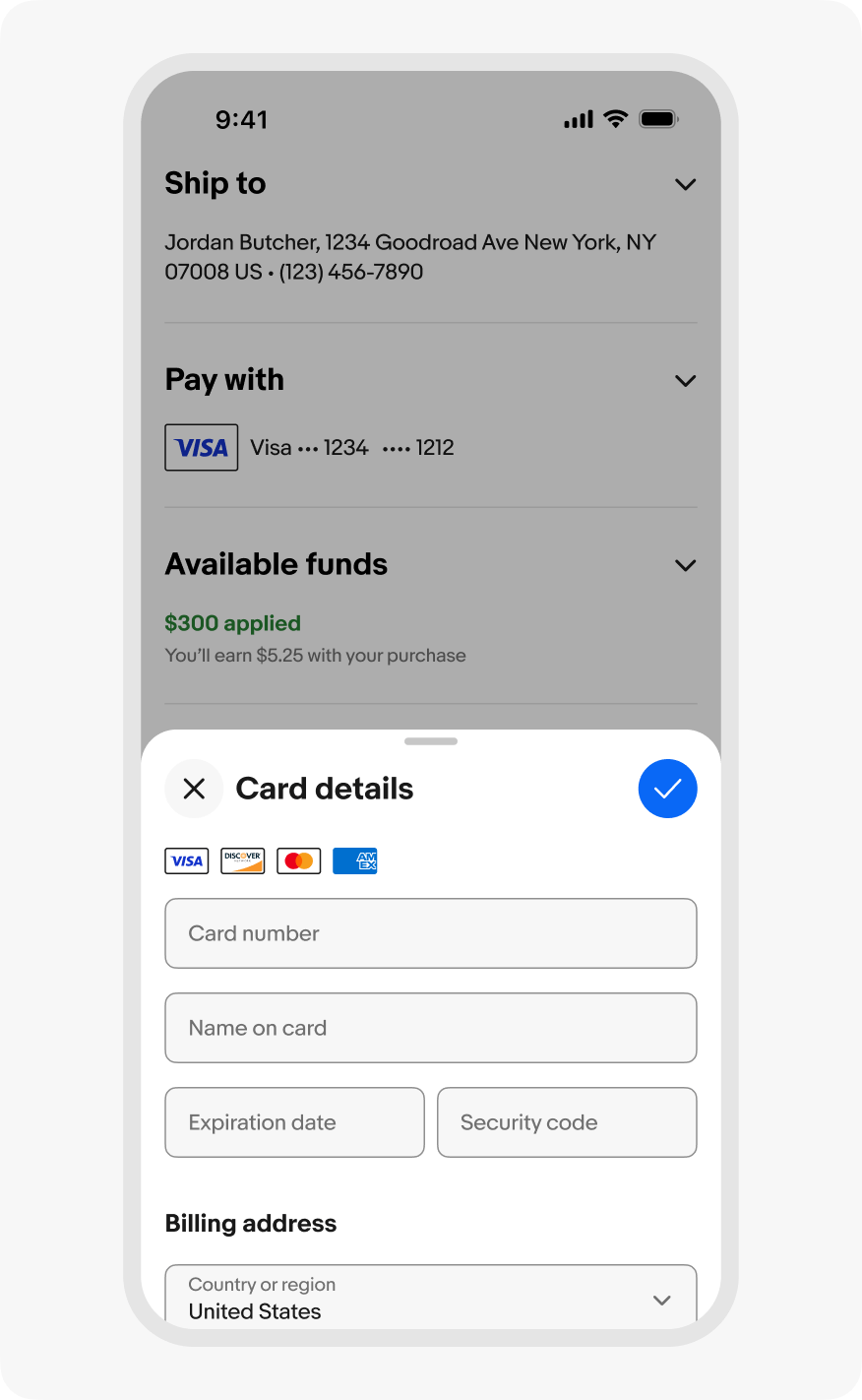
Focus sheets appear as full height on small screens and a centered sheet on larger screens. The exact presentation on small screens depends on the platform – iOS presents a modal stack and Android presents a fullscreen sheet.
Focus sheets completely block interactions with and obscure the primary page content. The sheet completely covers the page content on small screens and covers the center content on larger screens.
Focus sheets require explicit dismissal or resolution. The sheet dismisses when:
Focus sheets present as a modal stack on iOS and a fullscreen dialog on Android.
Do open forms with multiple inputs directly into a focus sheet.
Don’t partially present a sheet for tasks with multiple inputs. Users will almost always have to scroll to complete the task and the main page content isn’t necessary to reference for the task.
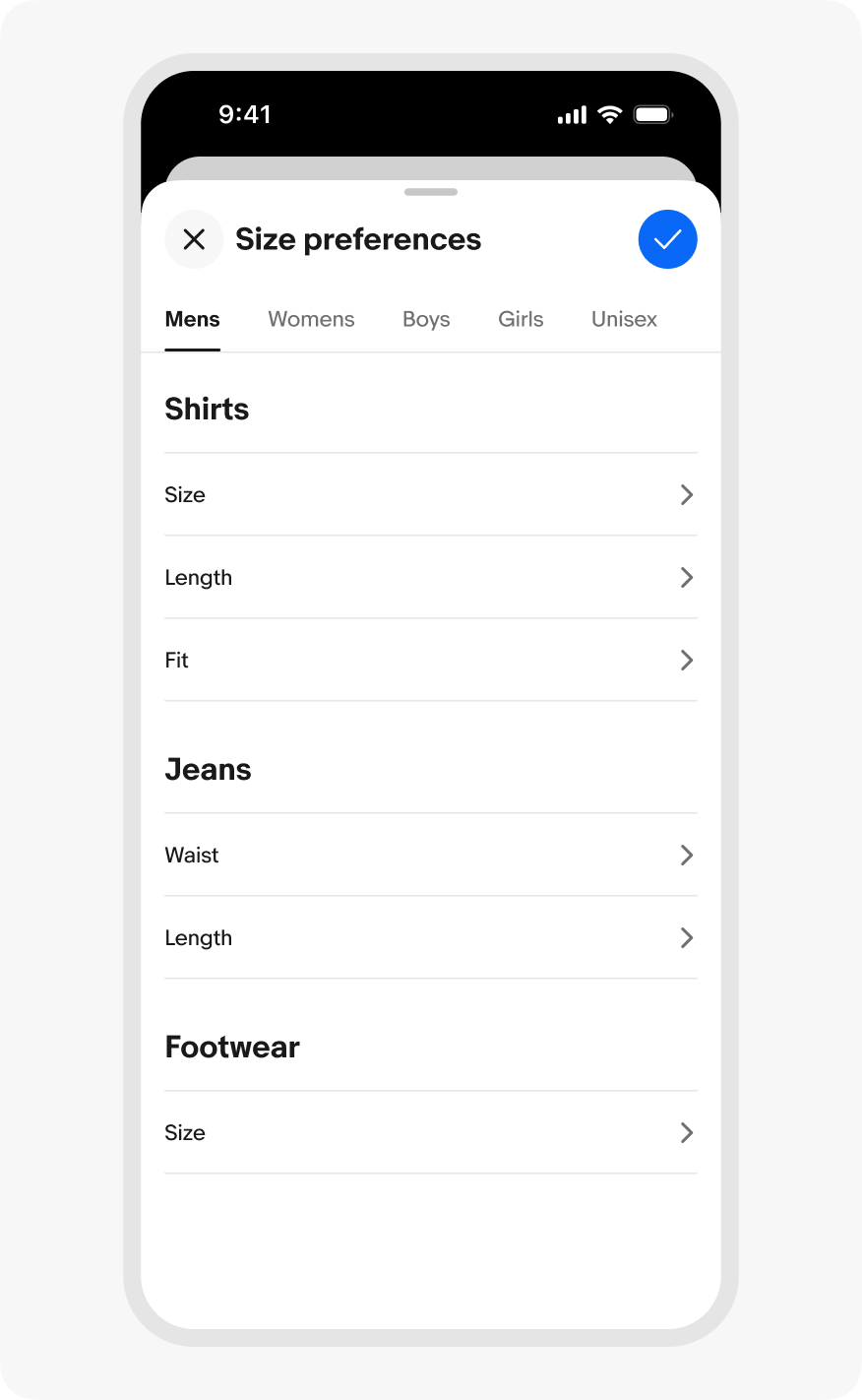
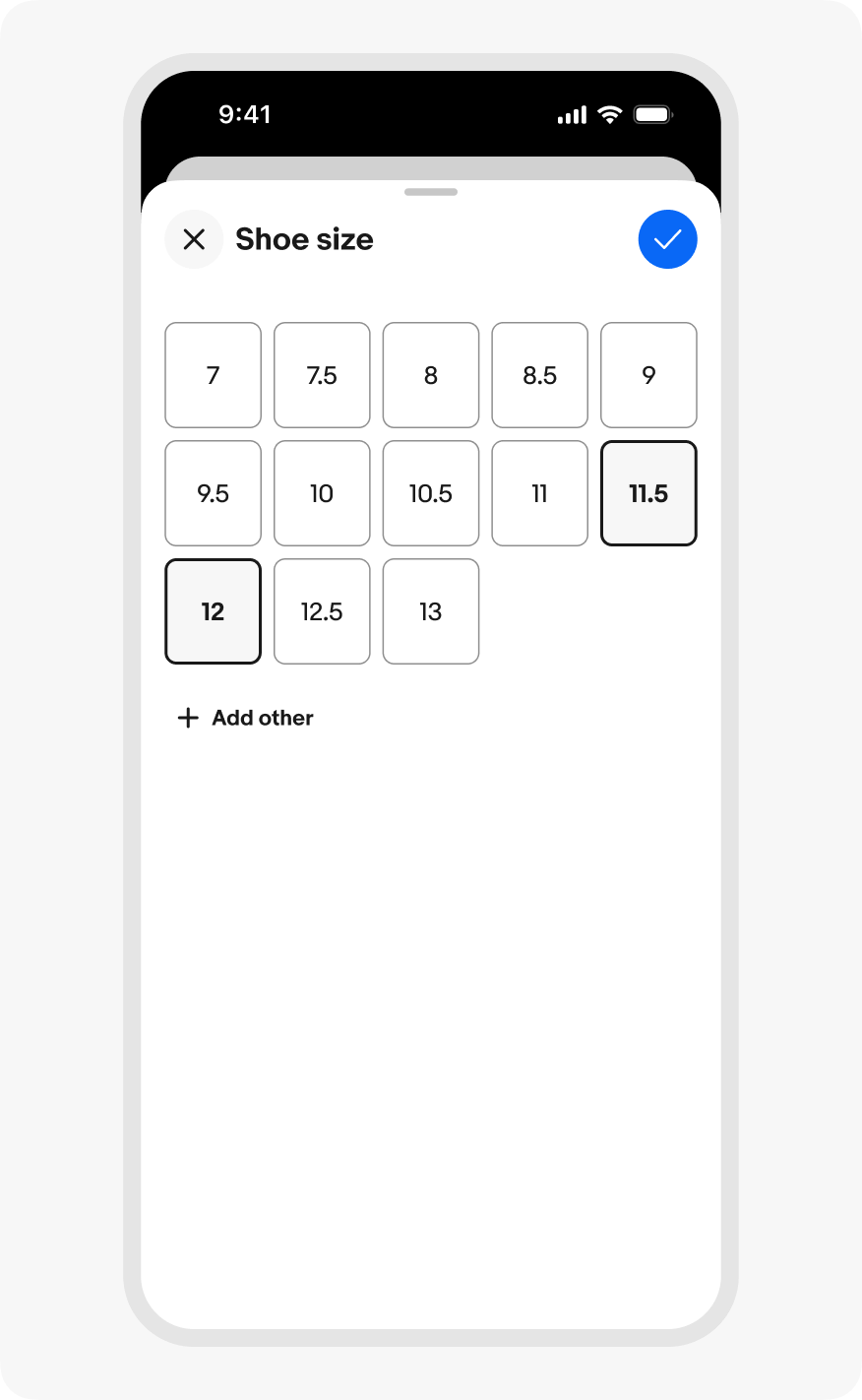
Do keep navigation within focus sheets to a minimum. Place all content in one view where possible and keep detail views to one level deep. Keep multi-step sheet tasks to as few steps possible.
Don’t include complex or deep navigation stacks within sheets. Over-navigation within focus sheets increases the chance of users losing their place, making mistakes, or accidentally dismissing and losing their progress.
Do use focus sheets for scoped tasks.
Don’t use focus sheets for entire experiences. Use a new page when the content isn’t focused on a particular task or if it includes multiple levels of navigation.
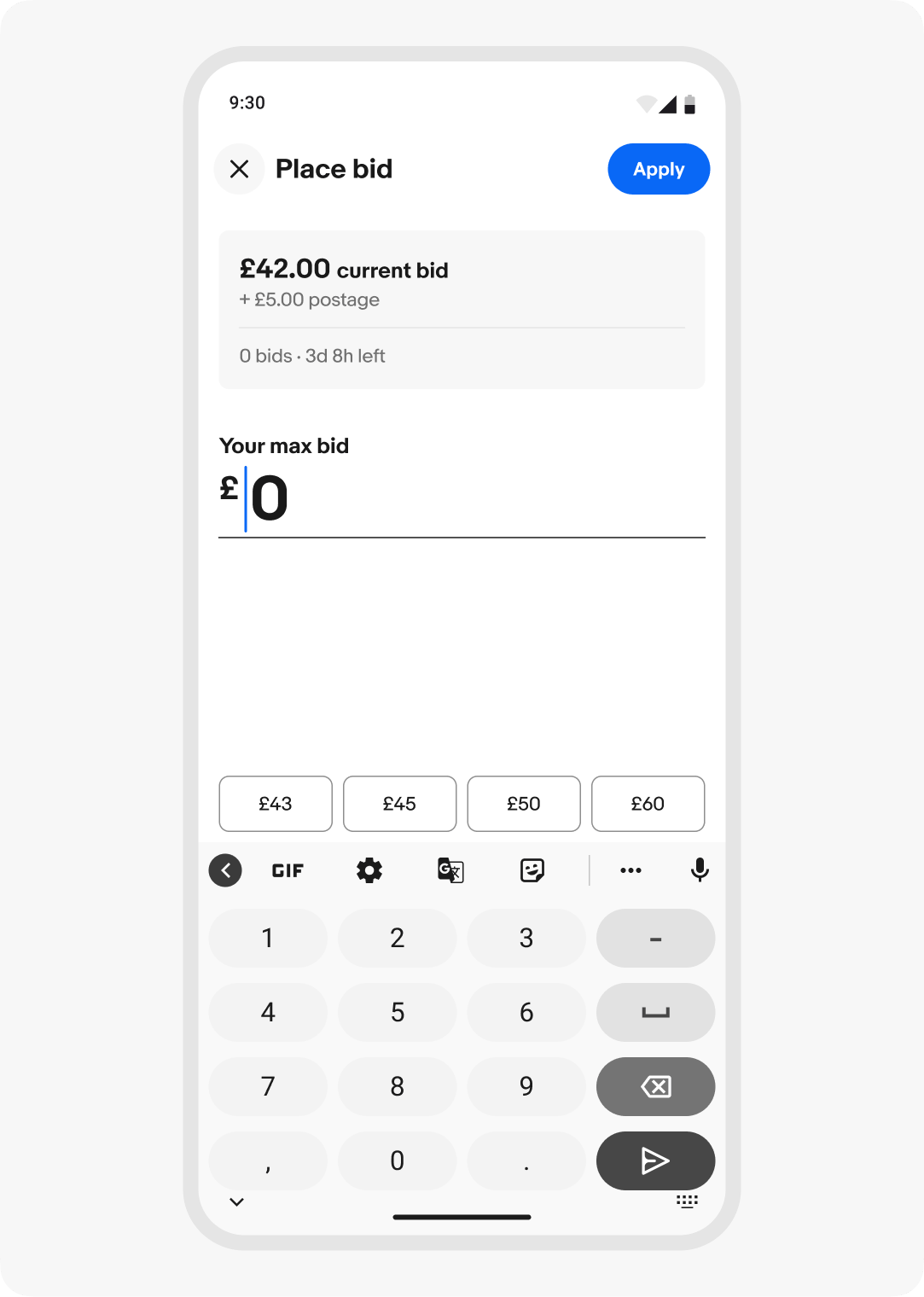
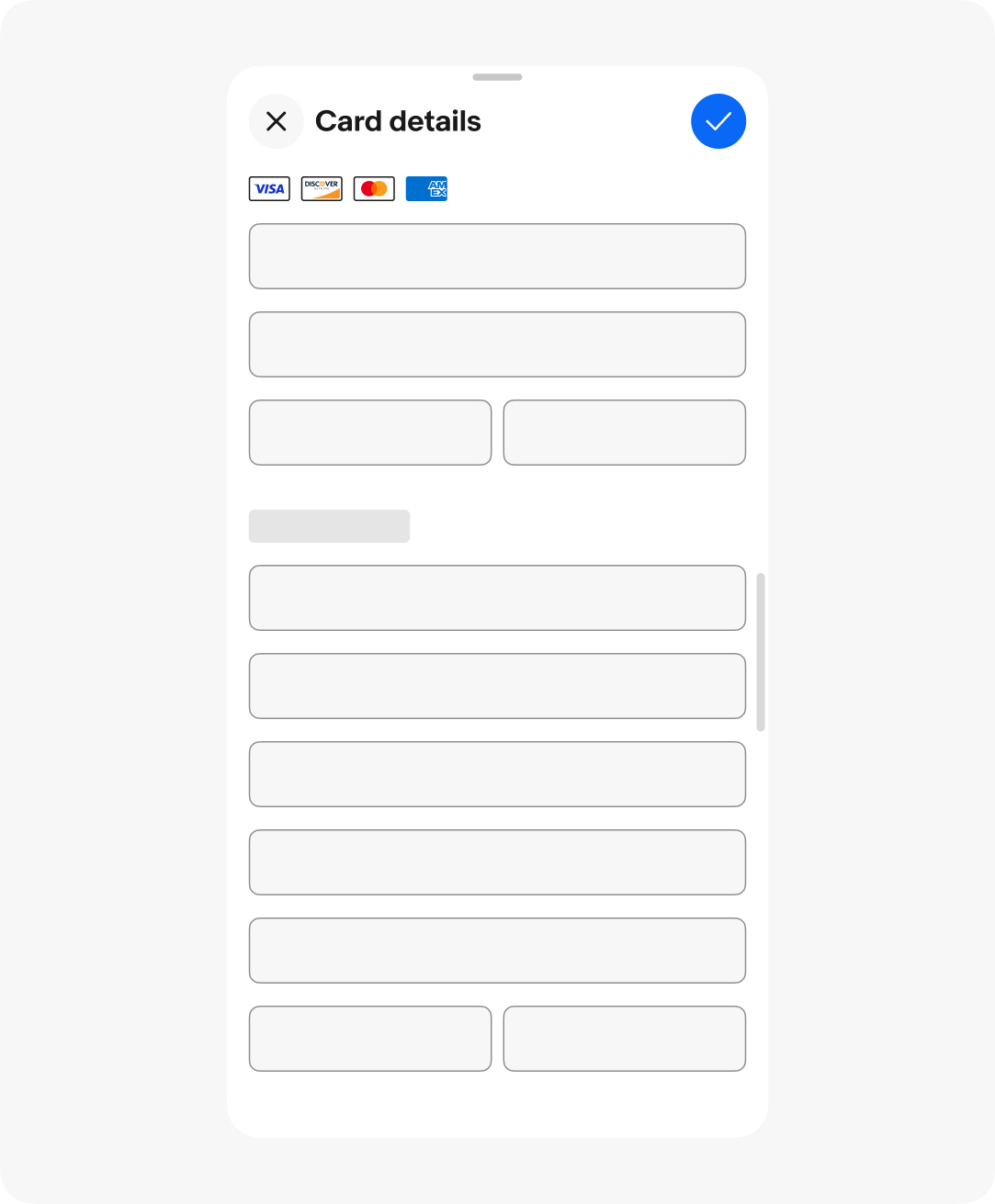
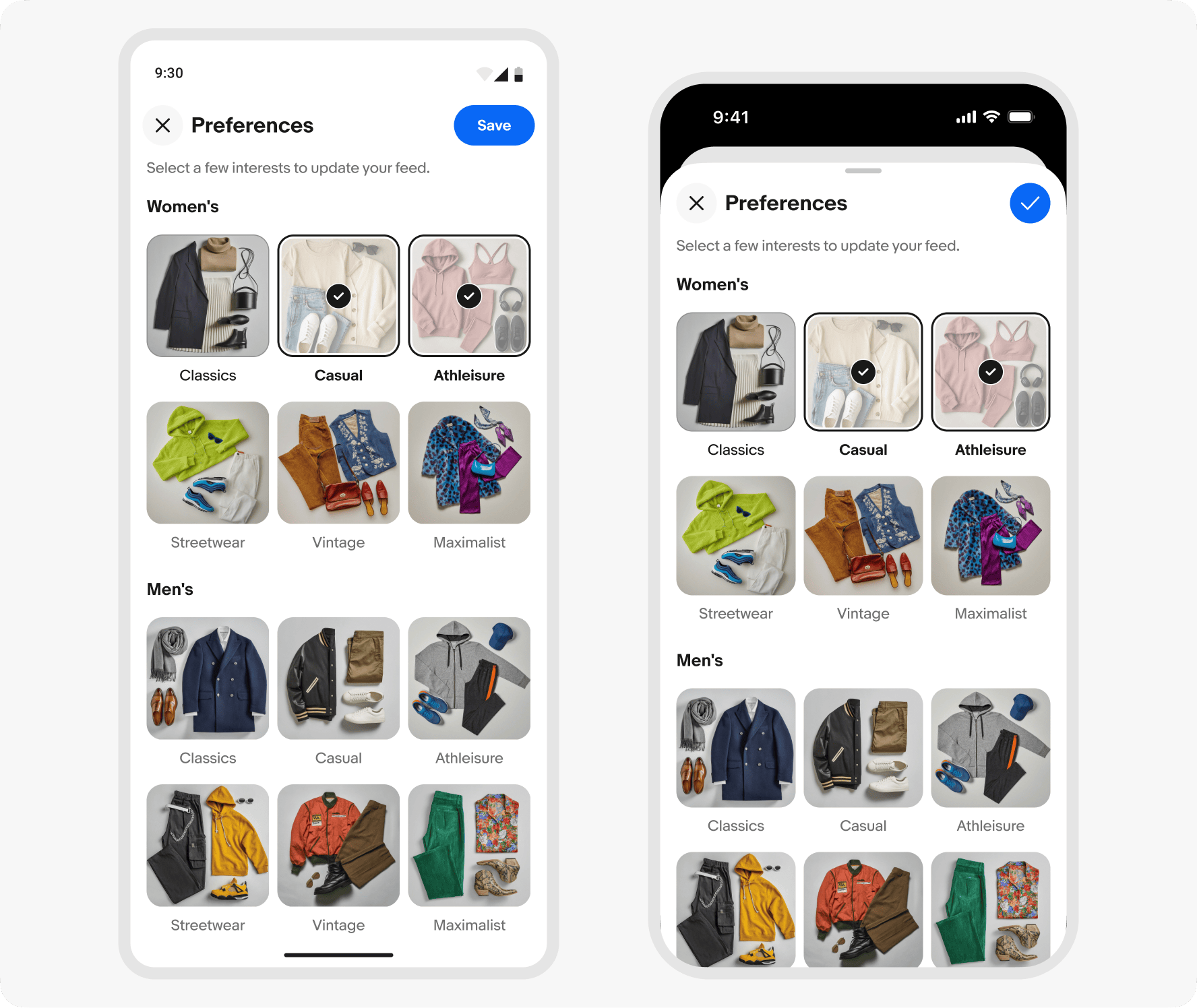
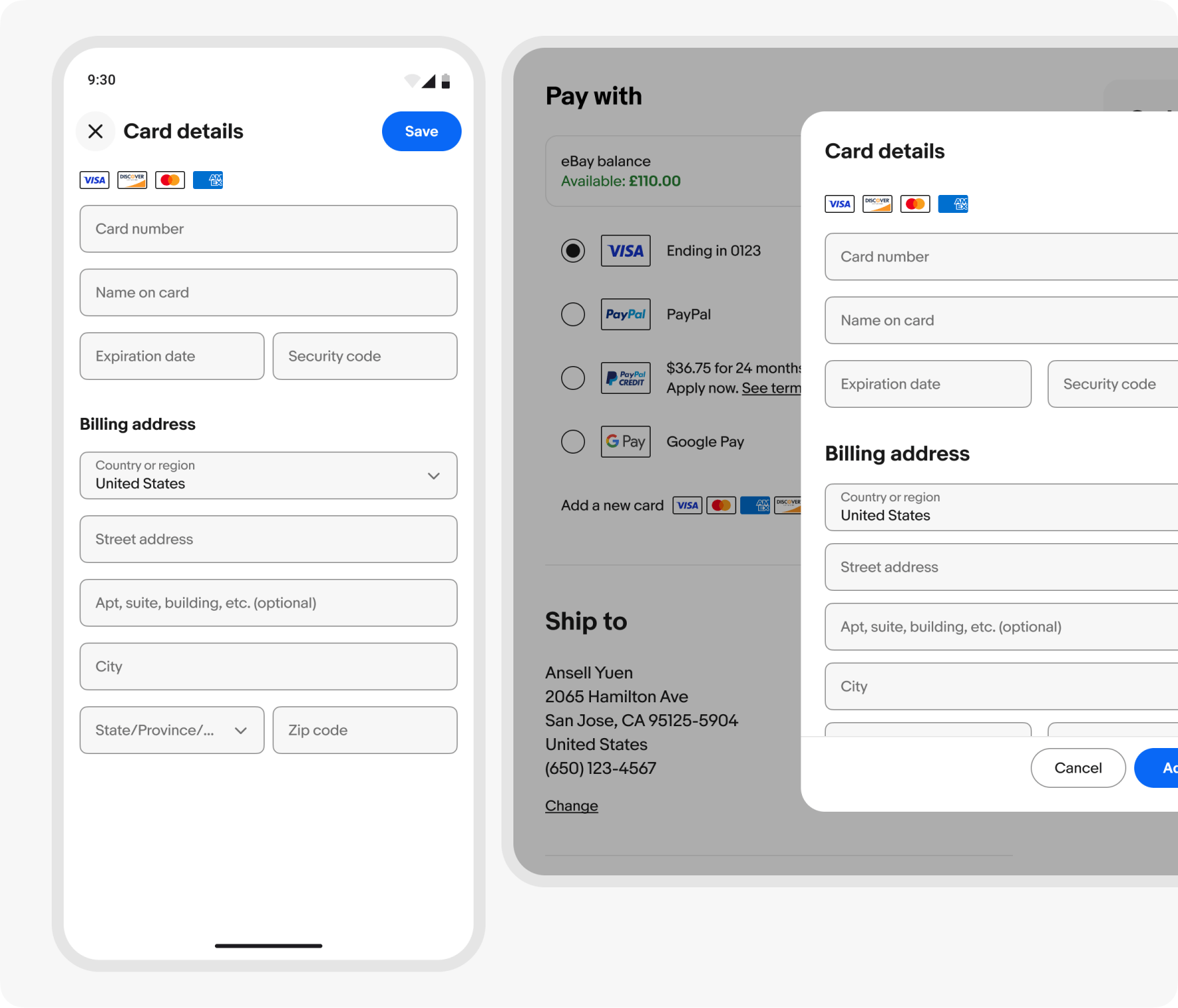
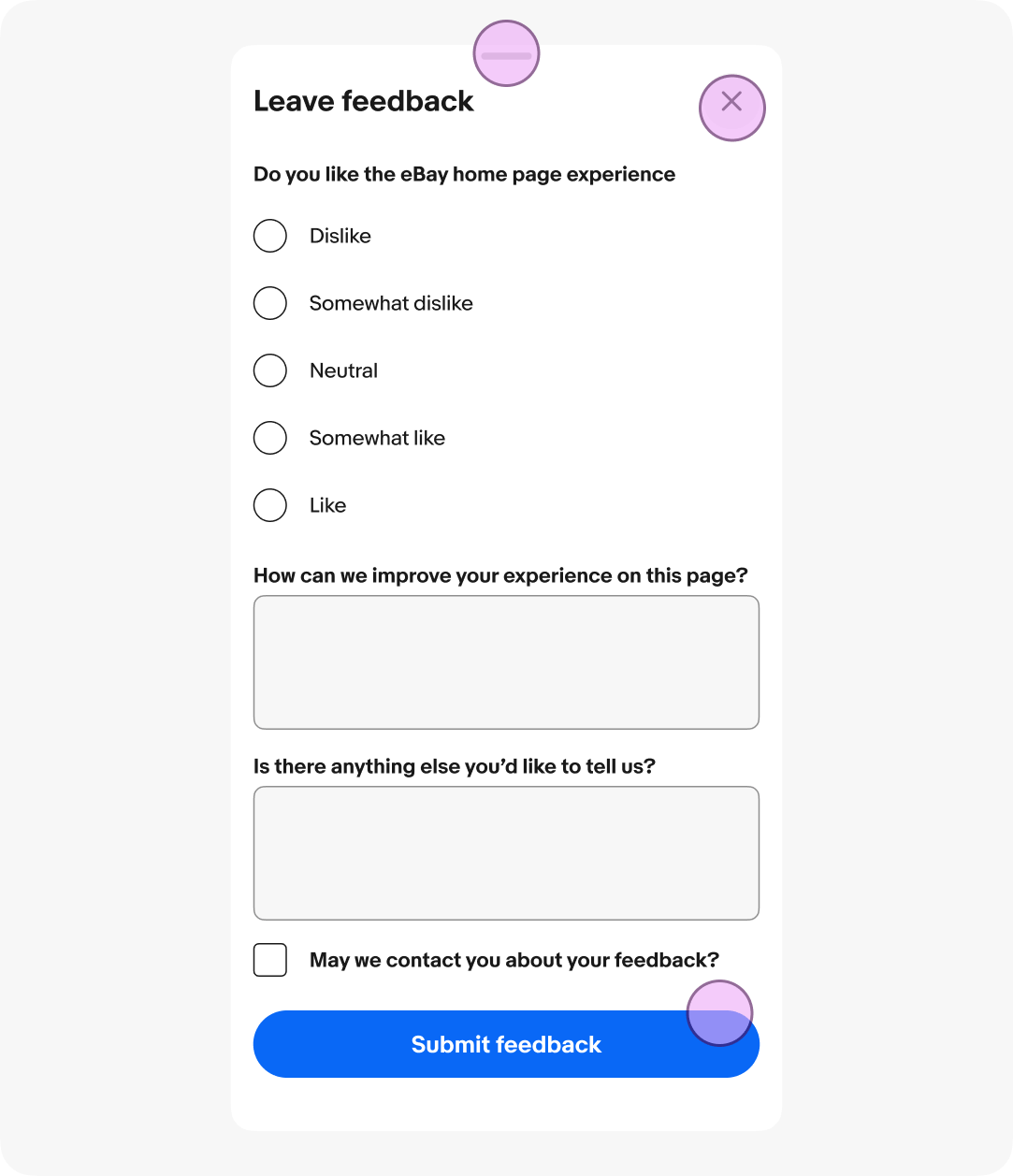
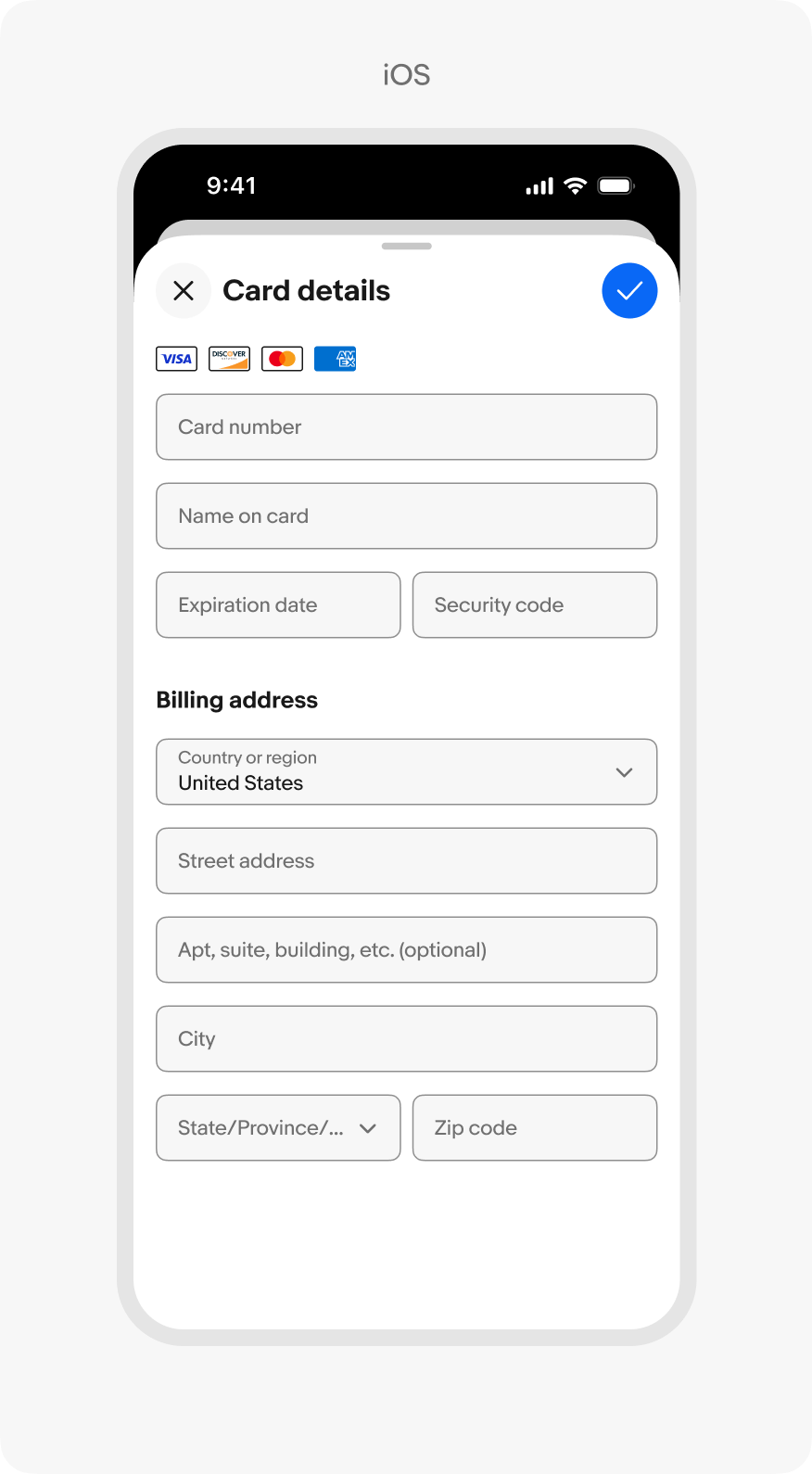
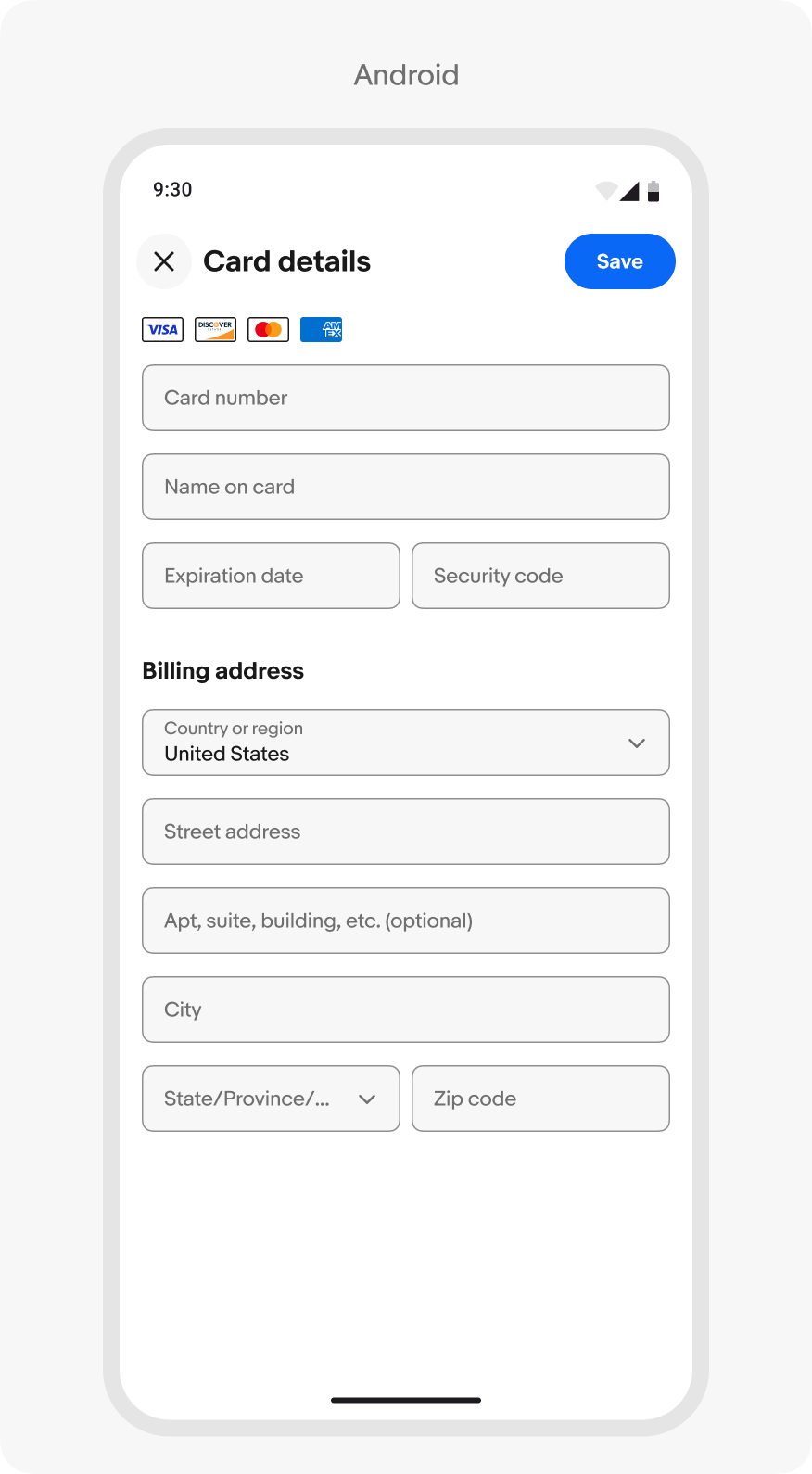
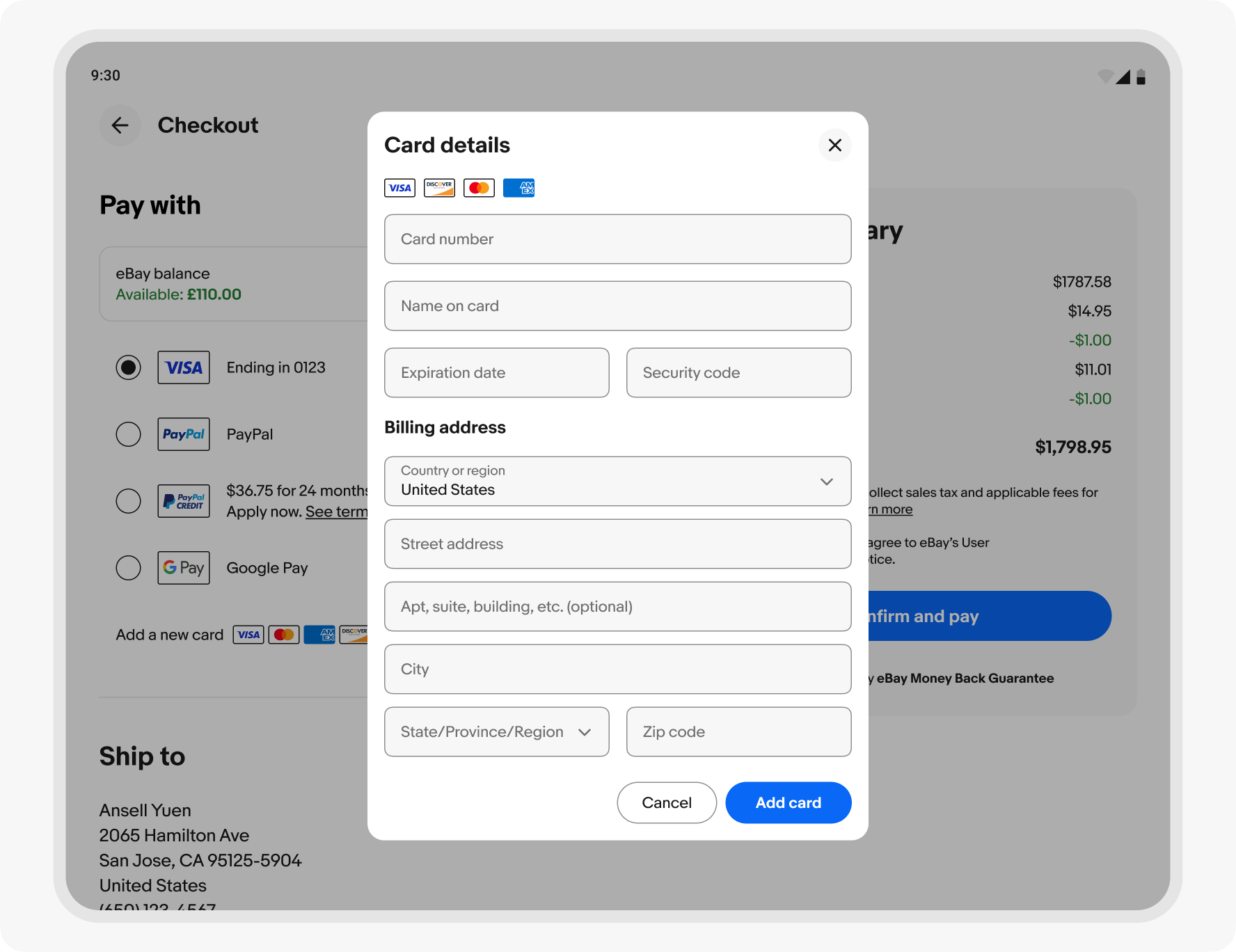
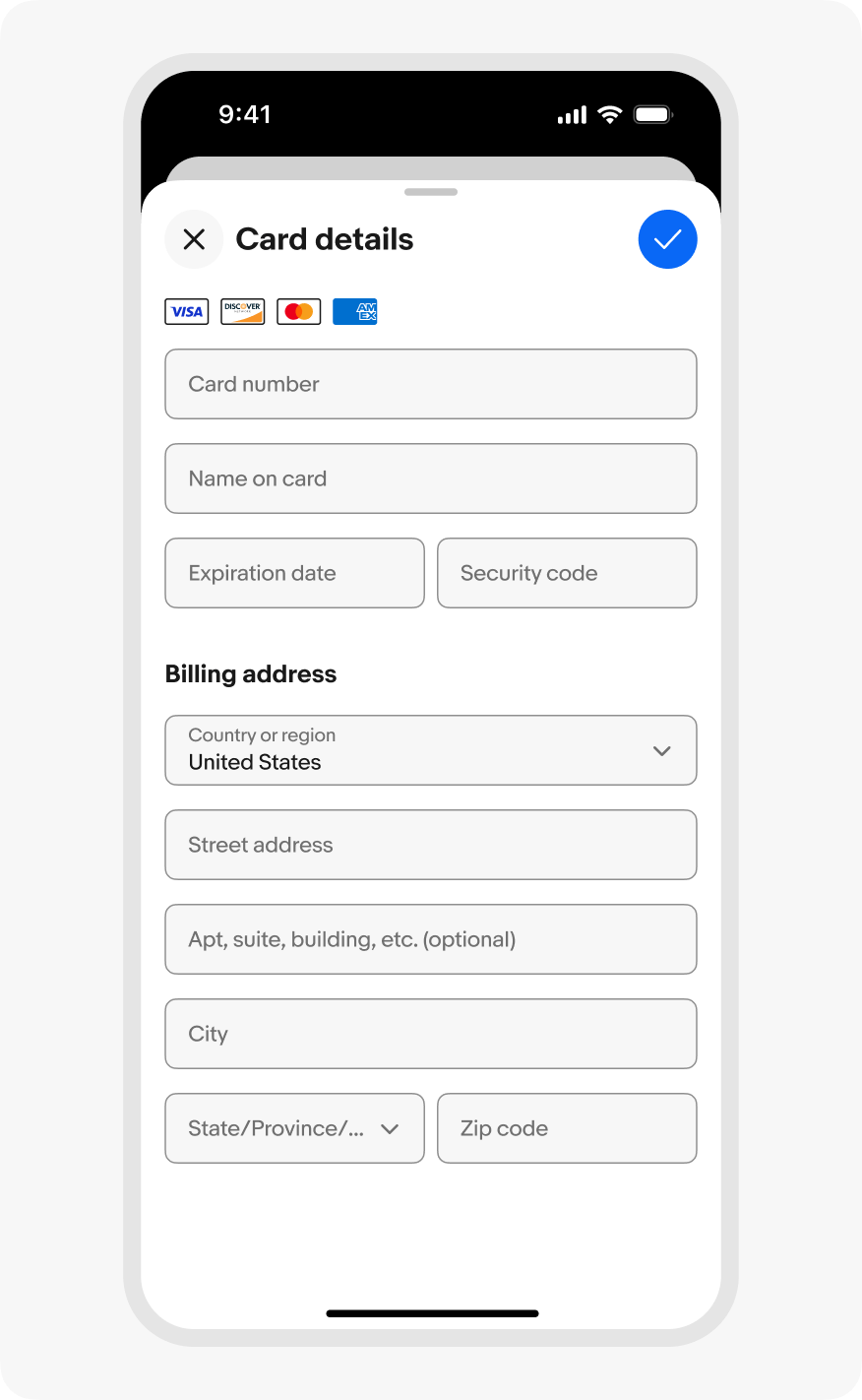
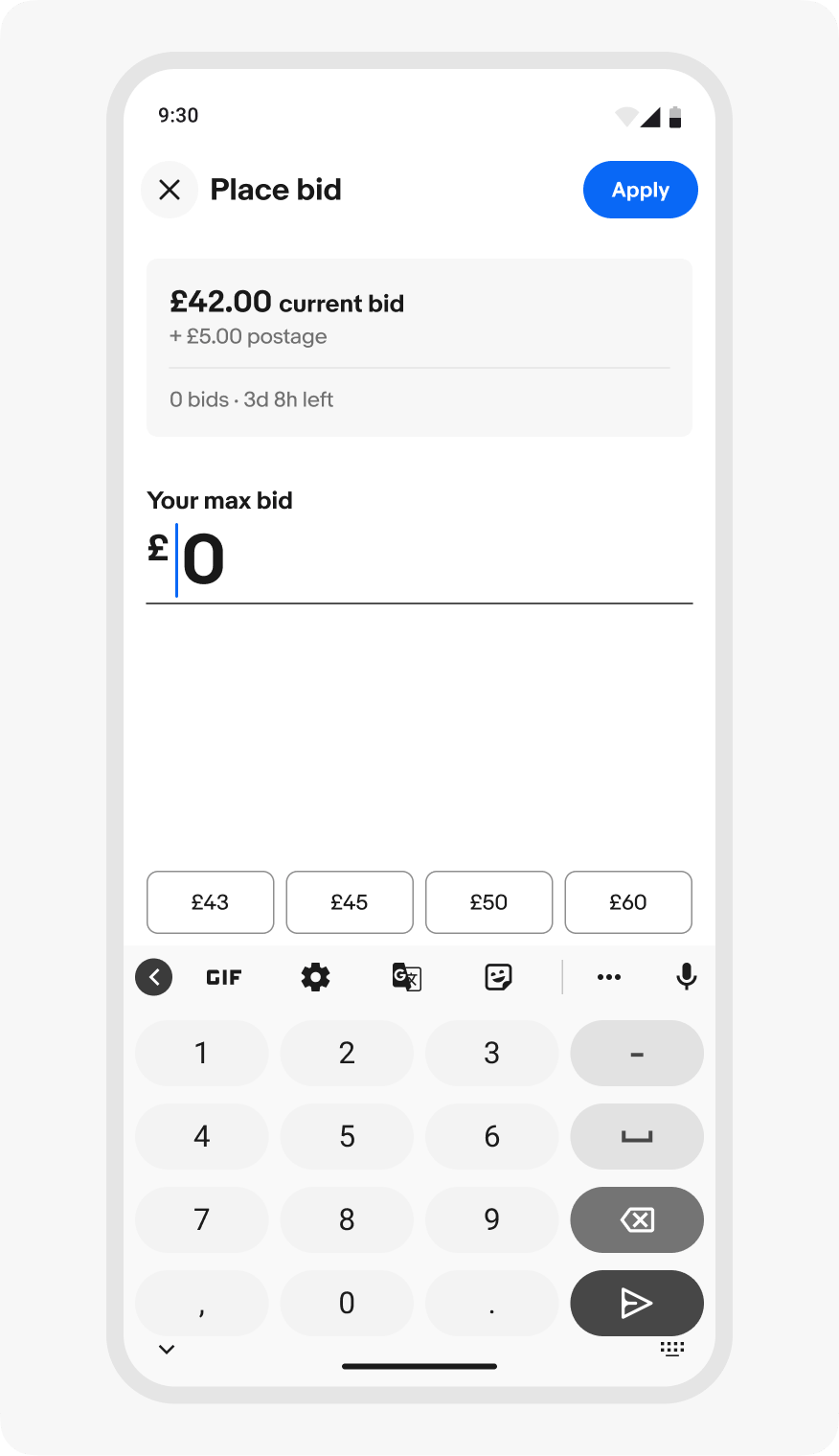
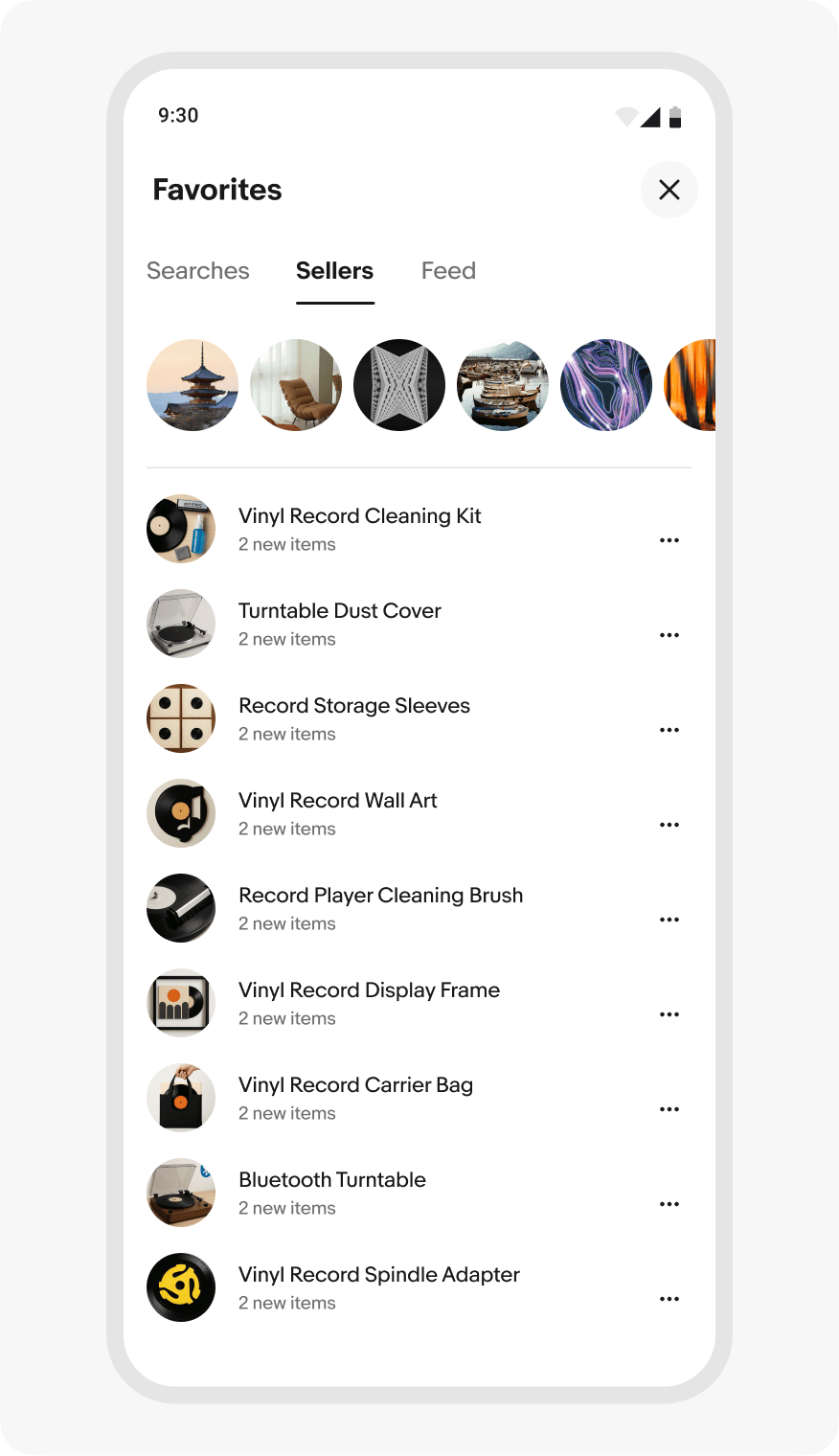
Use focus sheets for tasks that require focus, confirmation, or important data entry.
Limit focus sheets to a single, contained task — not for browsing or navigation.
Focus sheets are intentionally interruptive and must be completed or dismissed before interacting with the underlying screen.