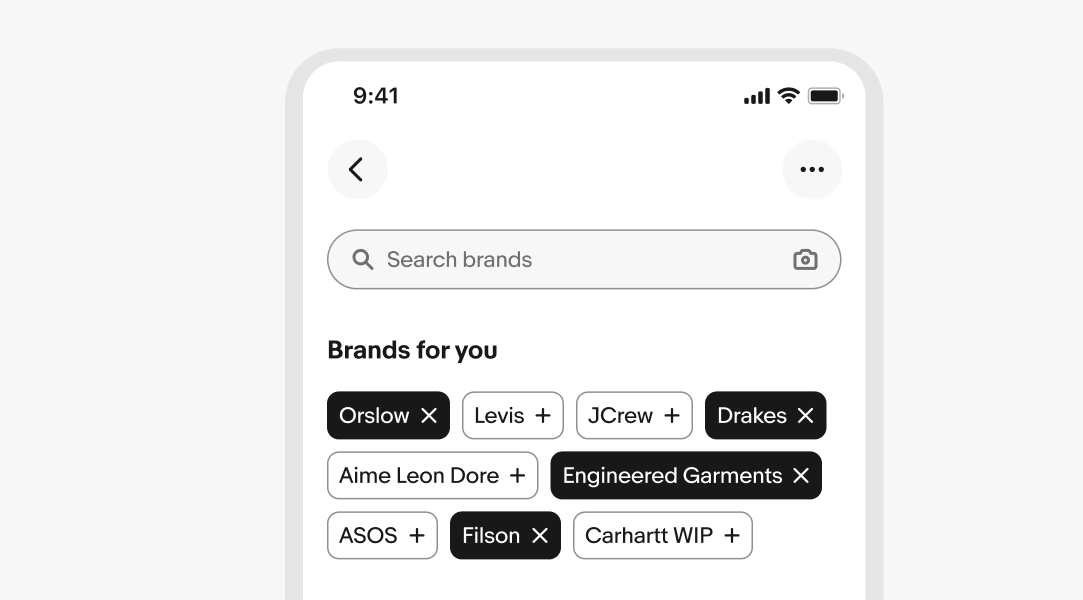
Chip overview
Chips filter content or let users select values from a predefined set. They appear in context and support quick selections.

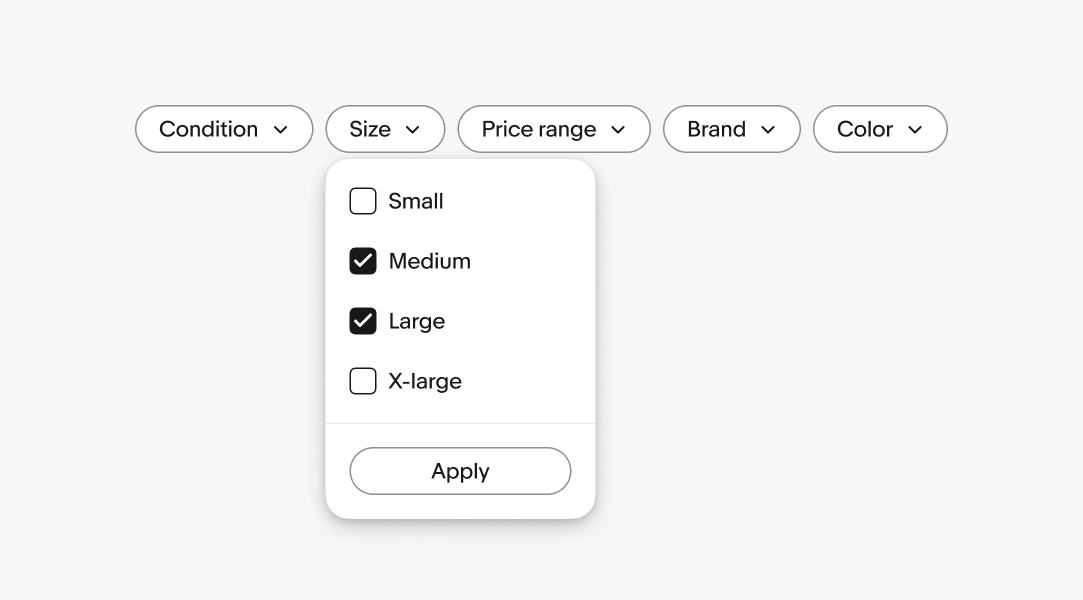
Filter chip
Filter chips let users narrow results by selecting one or more values. They appear near the content they affect and clearly indicate which filters are active.
When to use:
- User is narrowing down existing results or a list
- The values being filtered are present in the content
- Multiple selections can be combined
Learn more about using filter chips.
Input chip
Input chips let users select or add values from a predefined set, like tags, categories, or preferences. They highlight popular options and let users quickly add or remove selections.
When to use:
- User is building a set of preferences, tags, or interests
- User is selecting from a defined list of options
Learn more about using input chips.