Dialog overview
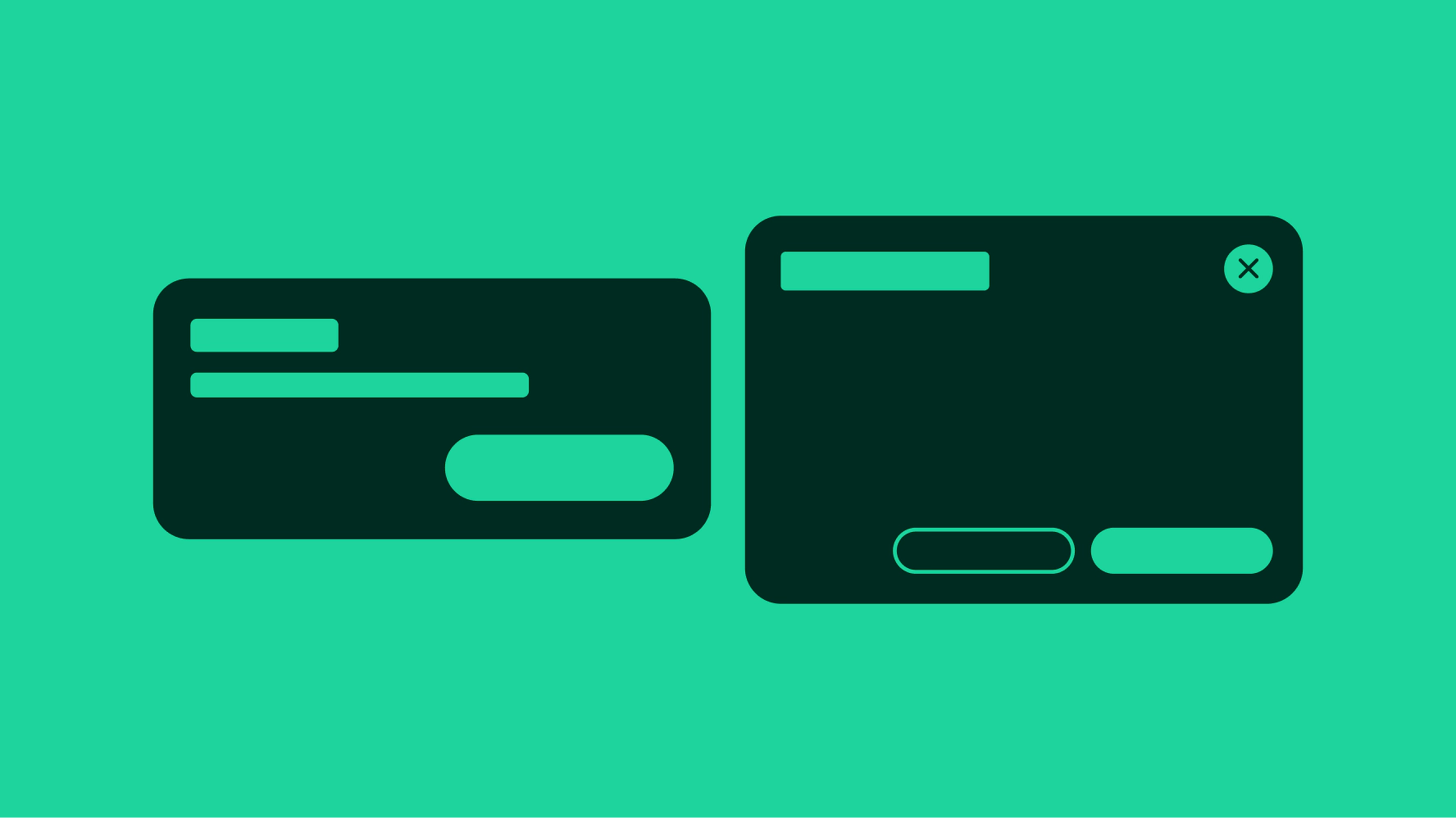
A dialog is a modal surface that interrupts the user's experience to focus attention on a decision, task, or critical information. The rest of the page is blocked until the dialog is dismissed.
Focused
Dialogs focus the user on a single task or piece of critical information.
Sparing
Dialogs interrupt the experience. Overuse diminishes their impact and trains users to dismiss without reading.
Self-contained
Users should be able to make a decision using only the information inside the dialog. If they need to look elsewhere, reconsider the design.
Alert
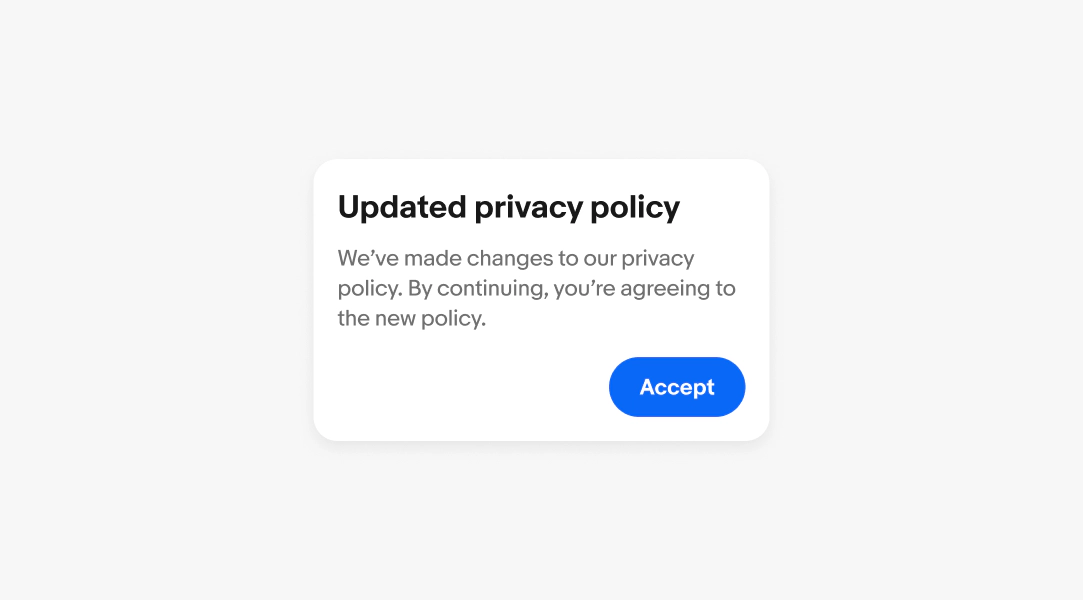
An alert dialog is a modal that blocks the page for a critical system situation and cannot be dismissed without an explicit response.
Examples
- Account suspension
- Listing violation
- Important policy acknowledgment
Learn more about writing an alert dialog.
Confirmation
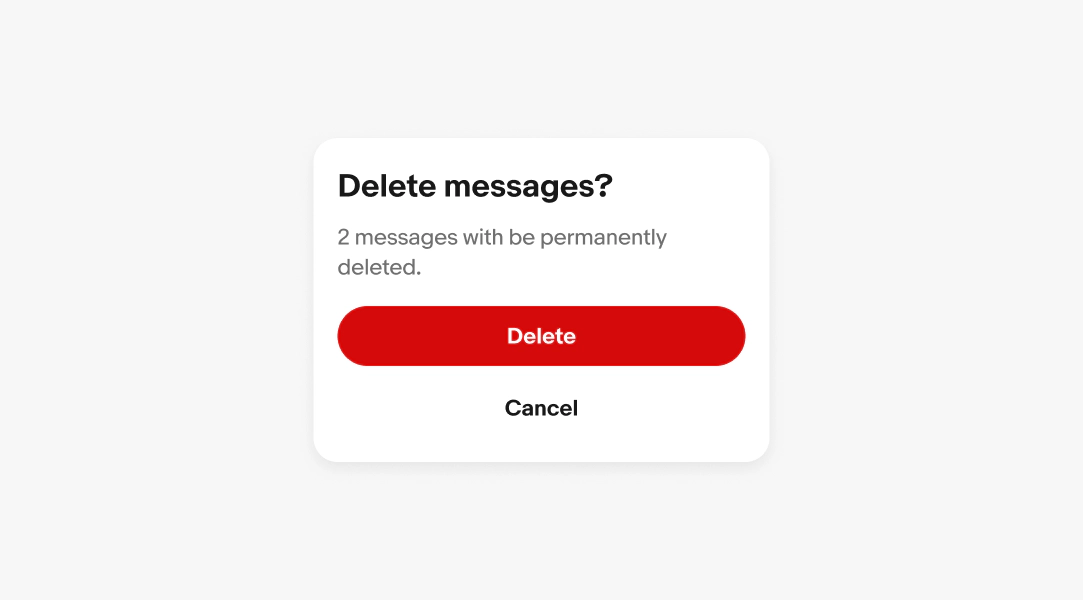
A confirmation dialog is a modal that requires the user to explicitly confirm or cancel a consequential action before it takes effect.
Examples
- Deleting a listing
- Removing saved items or offers
- Leaving a form with unsaved changes
Learn more about writing a confirmation dialog.
Standard
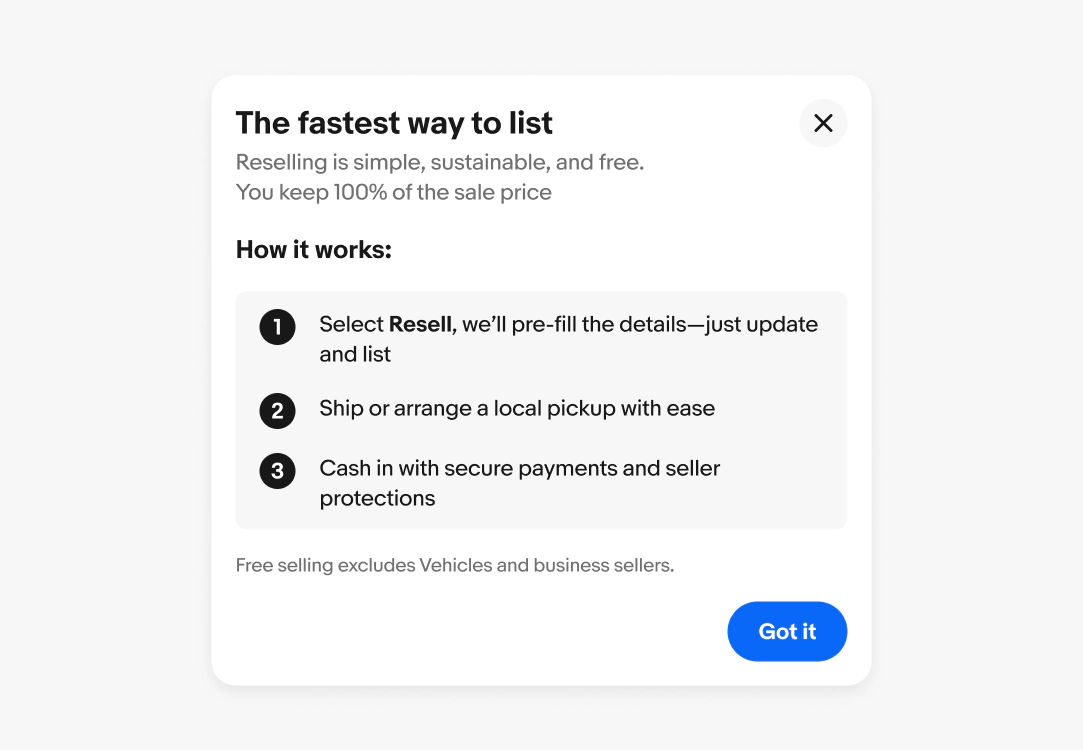
A standard dialog is a modal that presents a focused task or content requiring the user's full attention, without demanding a binary decision.
Examples
- Updates to feature
- Program introduction
Learn more about writing a standard dialog.
Use an alert notice when:
- The information is important but doesn't require the user to stop their current task
- The user can act on or dismiss it at their own pace without losing their place
Use an alert dialog when:
- A critical system situation requires immediate acknowledgment before the user can continue
- There is no safe default and inaction is not an option
- The action cannot be undone and the user must explicitly commit or cancel
Quick check:
Can the user keep working without responding?
- Yes → Notice
- No → Dialog