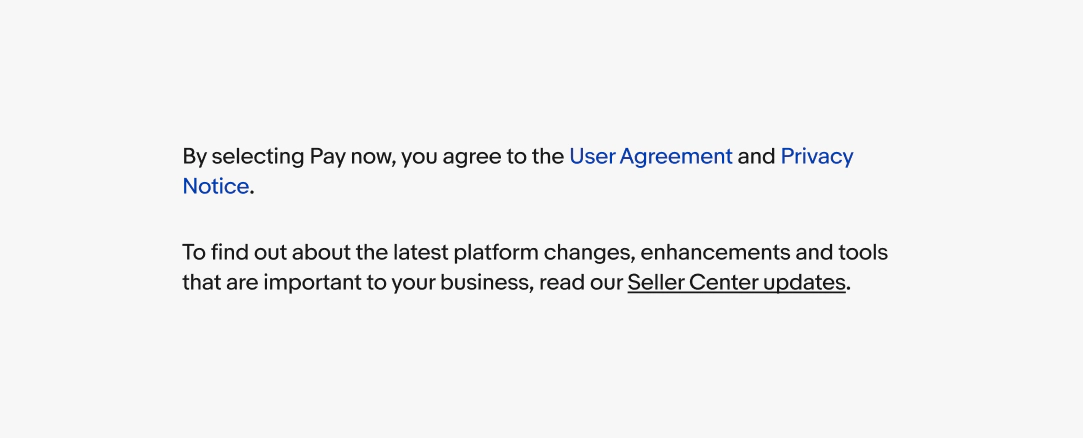
Link overview
Text links are for navigating within the product, to external content, or to anchor points on a page.
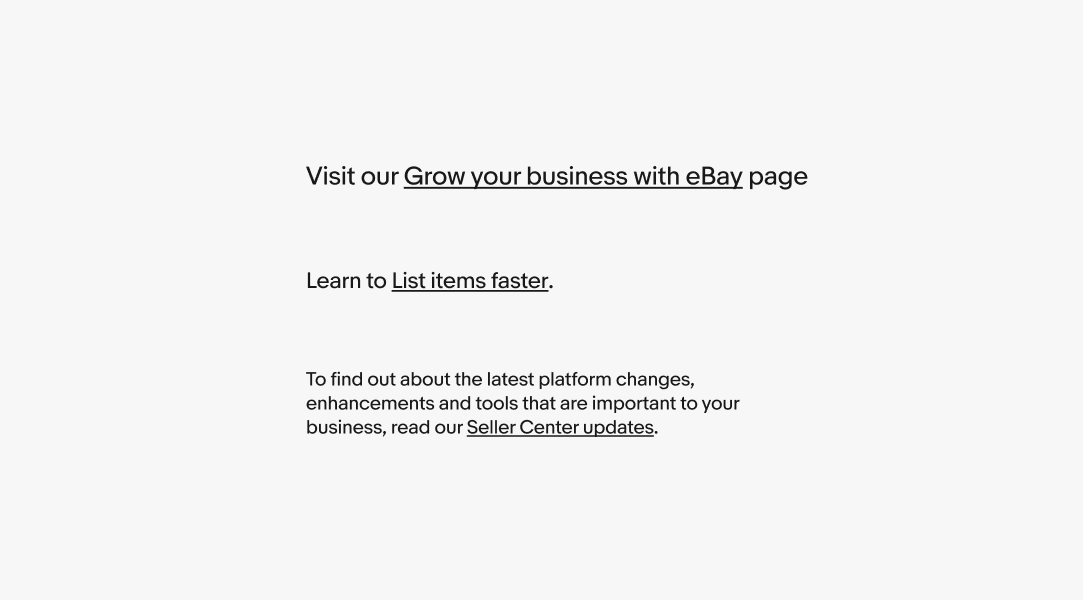
Text link
Most text links inherit their size and color from surrounding body copy.
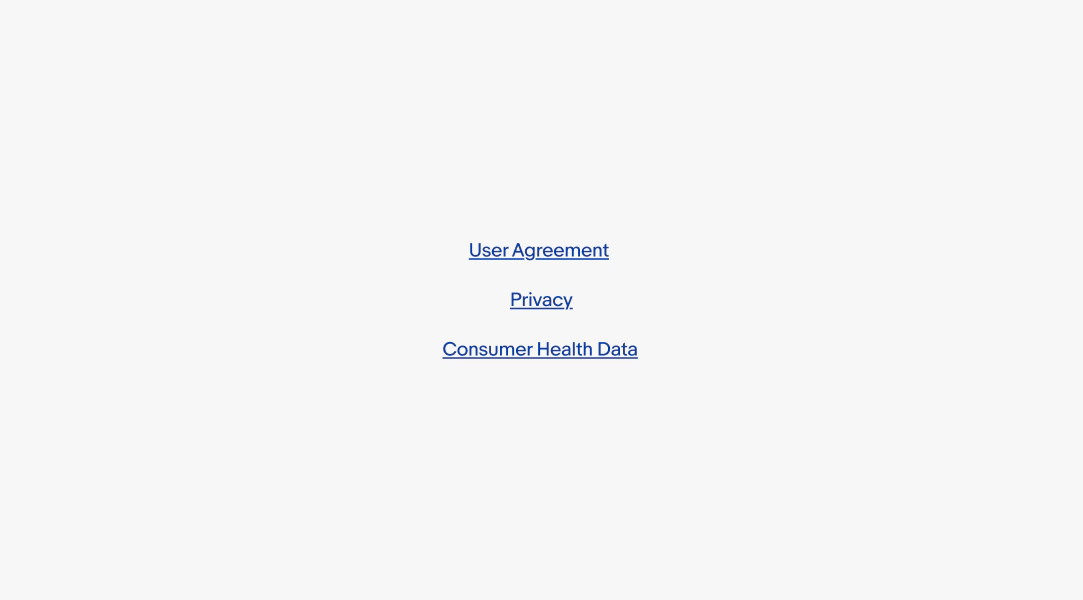
Legal link
Legal links are a specific type of text link for navigating to legal documents and policy pages. They use a distinct visual style to meet compliance requirements.
Text links vs Legal links
Legal links are used exclusively for legal documents and policy pages, where a distinct visual style is required for compliance. Text links are used for all other navigation.
Surrounding copy
The surrounding copy provides context to why a link exists. If links appear inline within body copy, the link text should read naturally within the sentence. Punctuation falls outside the link span.
Legal disclaimer
When users are agreeing to something, the surrounding copy must name the action and the specific documents. Use the pattern: "By selecting [button label], you agree to the [document name]." The [button label] must exactly match the CTA label it references.