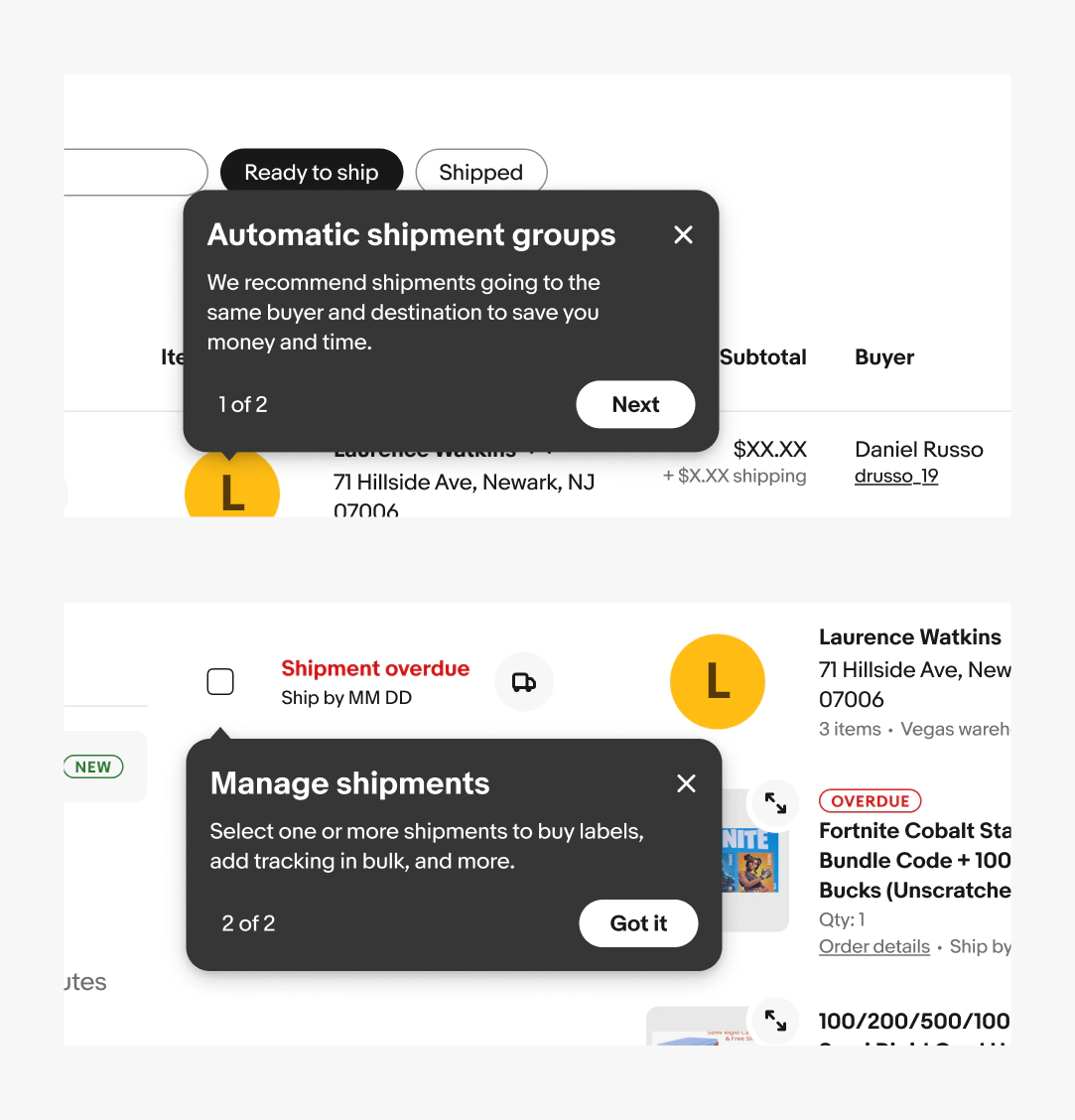
Tip overview
Tooltips and tourtips are the two tip types that surface contextual information anchored to a UI element. They serve different goals and audiences.

Tooltip
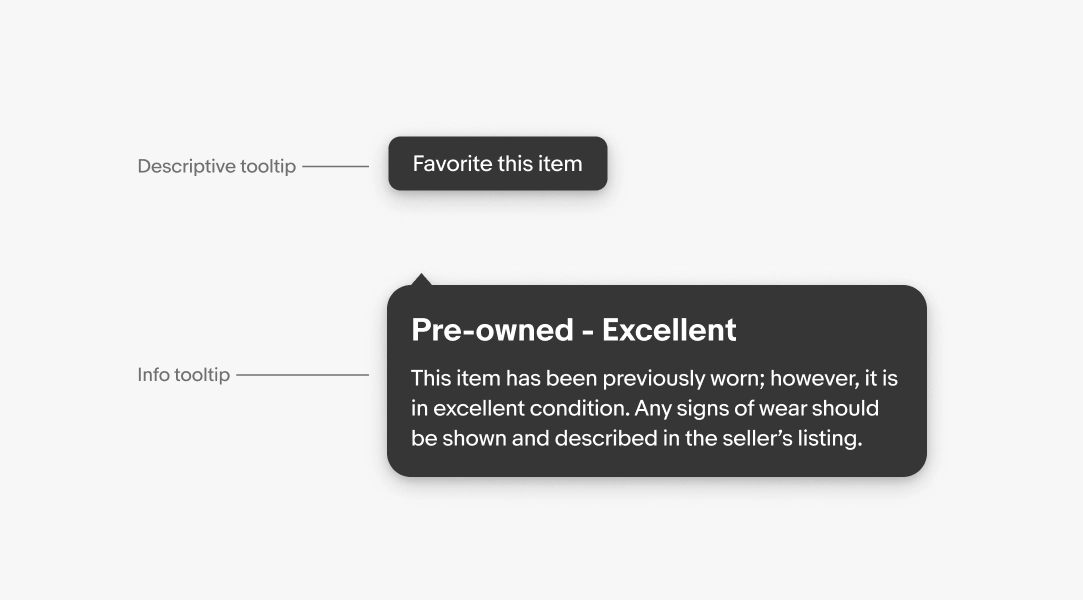
Tooltips reveal a label or additional information when a user interacts with a UI element. They are explicitly triggered and persist until dismissed.
Tooltips follow two semantic messaging structures:
- Descriptive
- Info
Tourtip
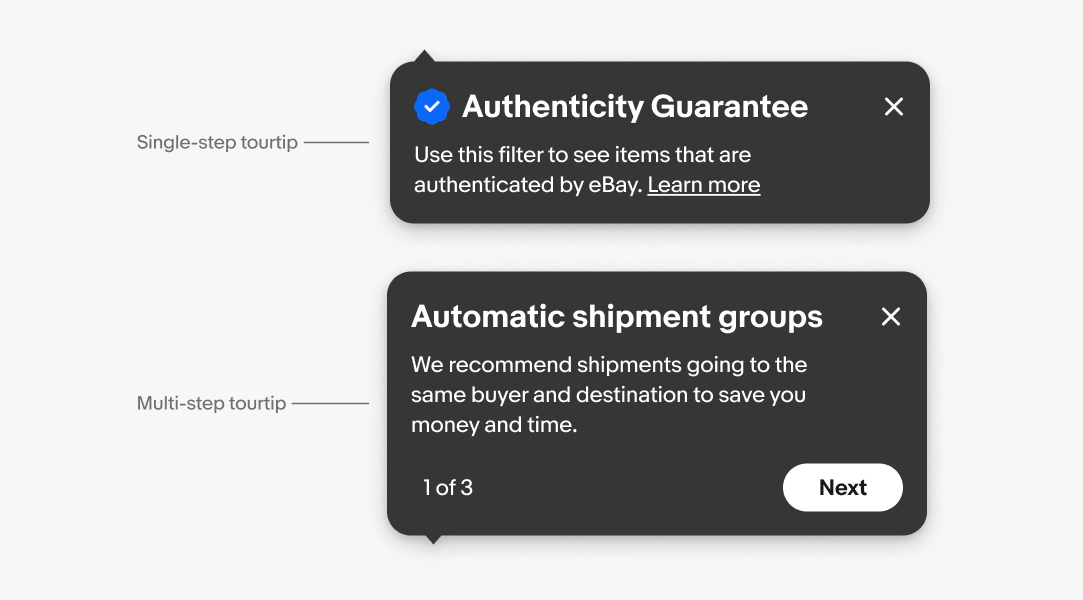
Tourtips are implicitly triggered and temporary. Use them sparingly, only when an interactive guide is needed to explain new or complex features.
Tourtips follow two semantic messaging structures:
- Single-step
- Multi-step
Descriptive tooltip
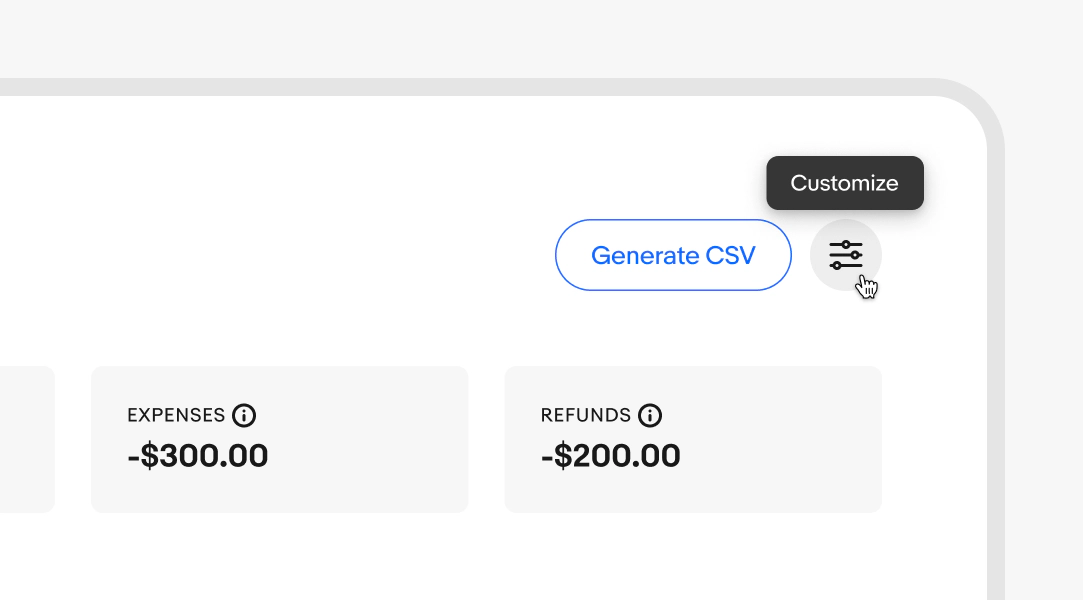
A descriptive tooltip clarifies a UI element that lacks a visible label.
Examples:
- Icon buttons without a text label
- Abbreviated or truncated UI text
- Data point on a graph
Info tooltip
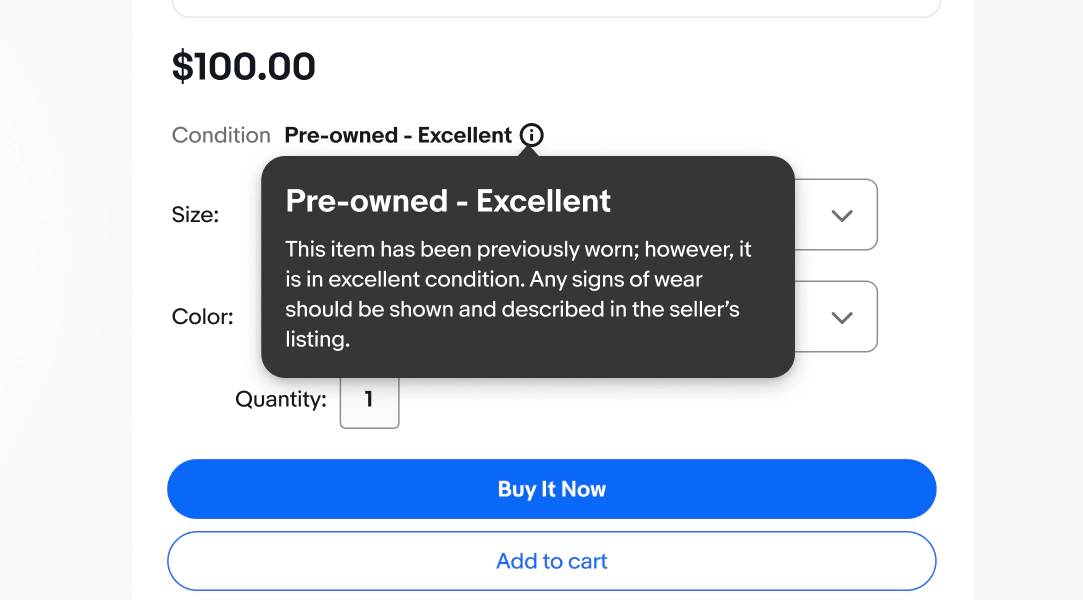
An info tooltip defines terms or provides secondary details users might need without requiring them to navigate away.
Examples:
- Jargon or technical terms
- Secondary details about a feature or setting
Single-step tourtips
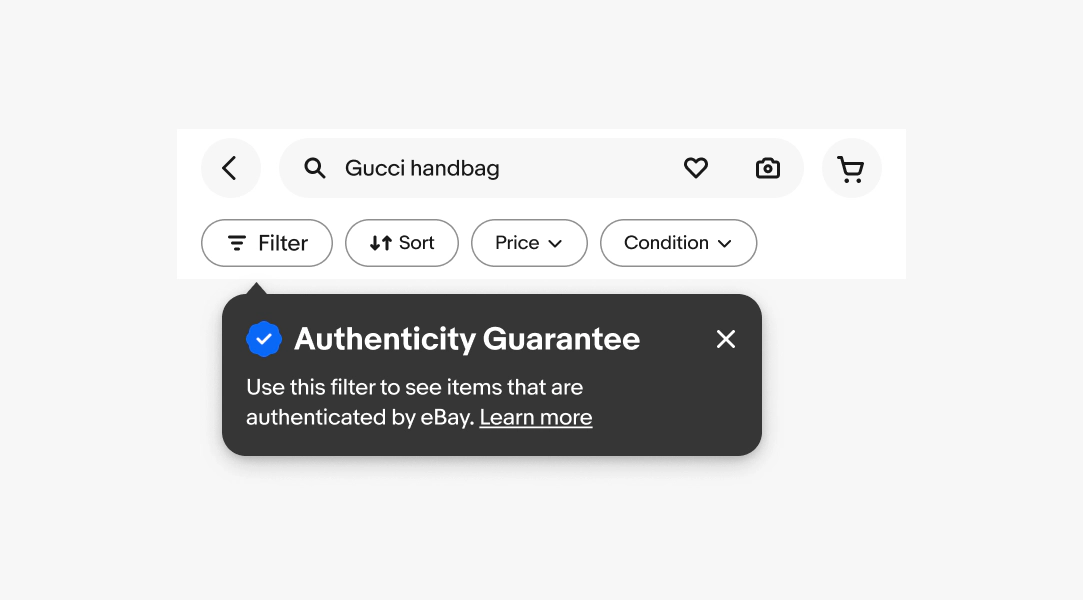
A single-step tourtip introduces a new feature or announces a single, time-sensitive update.
Examples:
- New filter or sort option
- Limited-time promotion or program update
Multi-step tourtips
A multi-step tourtip is used when a feature is complex enough to require more than one step to explain.
Examples:
- Onboarding to a multi-part workflow
- Explaining a new, complex feature with several components