Skip to main contenteBay Playbook
  • Get started
  • Foundations
  • Design system
  • Expressions
  • Resources
  • Articles

Foundations

  • Overview
    • Our logo
    • Using our logo
    • Using our tagline
    • Showcase
    • Our colors
    • Using color
    • Using color in product
    • Using color in marketing
    • Using color in illustration
    • Best practices
    • Showcase
    • Our typeface
    • Using type
    • Using type in digital
    • Using type in print
    • Best practices
    • Showcase
    • Our photos
    • Visual tone
    • Image types
    • Showcase
    • Our icons
    • Using icons
    • Confirmation indicators
    • Icon library
    • Best practices
    • Showcase
    • Our illustrations
    • Visual tone
    • Using illustration
    • Sizing and placement
    • Best practices
    • Showcase
    • Our motion
      • Using motion in product
      • Volume of motion
      • Product transitions
      • Expressive animation
      • Using motion in marketing
      • Layout in motion
      • Typography in motion
      • Depth in motion
    • Overview
    • Include plugin
      • Overview
      • Responsive layout
      • Image ratio
      • Uniform
      • Masonry
      • Mosaic
      • Overview
      • Stacks
    • Interaction levels
    • Interaction states
    • Using object styles in product
    • Using object styles in marketing

Object styles in marketing

Object styles provide structure and communicate shared behavior between elements.

Object styles in marketing

On this page

  • Radius
  • Shadow
  • Resources
PreviousUsing object styles in product
Things.People.Love.
  • Get started
  • Foundations
  • Design system
  • Expressions
  • Resources
  • Articles
  • About eBay Design
  • Careers
  • Press
  • Privacy policy
© 2026 eBay. All rights reserved.

eBay Evo, the eBay trademark, and the eBay logo are the intellectual property of eBay Inc.

    Radius

    Radius is used widely throughout our system. Each radius size is intentionally applied to select elements. View all Radius tokens.

    Shadow

    Resources

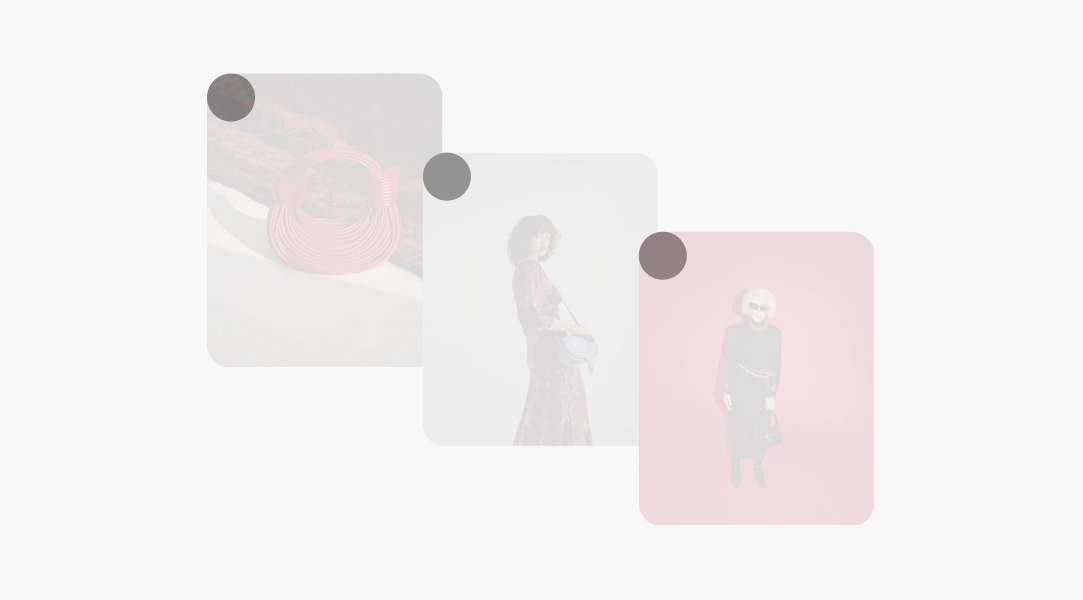
    Uniform

    Images within a uniform stack use the same radius.

    A stack of 3 vertical cards overlapped in a diagonal pattern. A gray circle is in the upper left corner of each highlighting they all have the same corner radius.

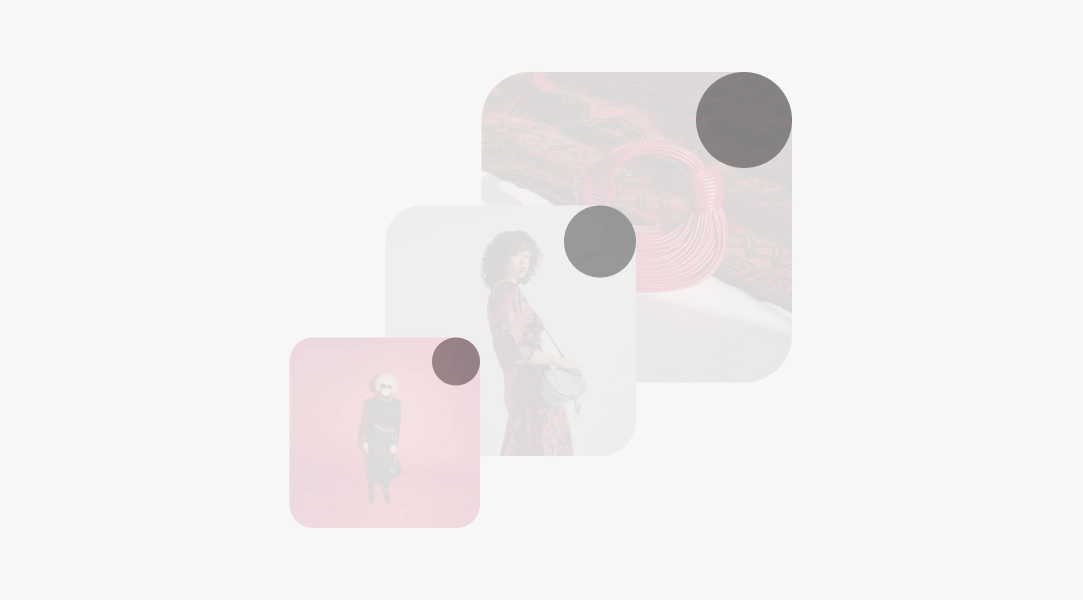
    Scaled

    In a scaled stack, the corner radius is determined by using multiples of 8. A common corner radius stack behavior is 16, 24, and 32px.

    A stack of 3 vertical cards overlapped in a diagonal pattern. A gray circle is in the upper right corner of each. The radius increases in size as the image scales.

    Adding depth in discovery layouts

    Adding shadows to our cards increases contrast and adds a sense of depth.
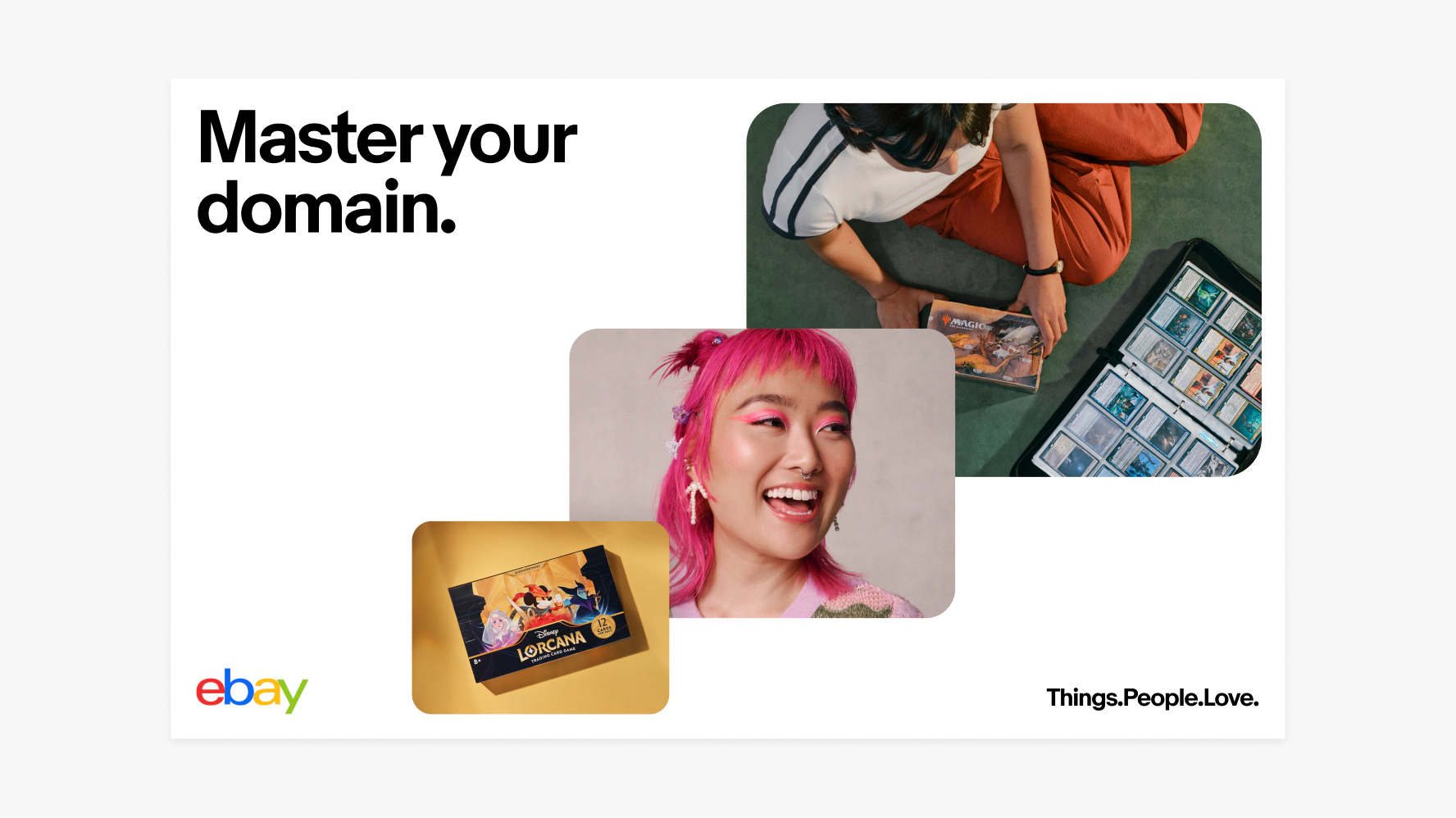
    A large banner with a scaled discovery stack layout. The images scale in size from the bottom left to the top right. The eBay logo is in the lower left and “Things.People.Love” is in the lower right.

    Drop shadow specs

    • x0 y20
    • Blur 64
    • Color #000000
    • Opacity 20%
    • Multiply
    Two white cards stacked. The top, smaller card is overlapping the bottom left corner of the larger card. The top card has a shadow applied to show depth.

    Adding depth in browse layouts

    Adding shadows to our cards increases contrast and adds a sense of depth.
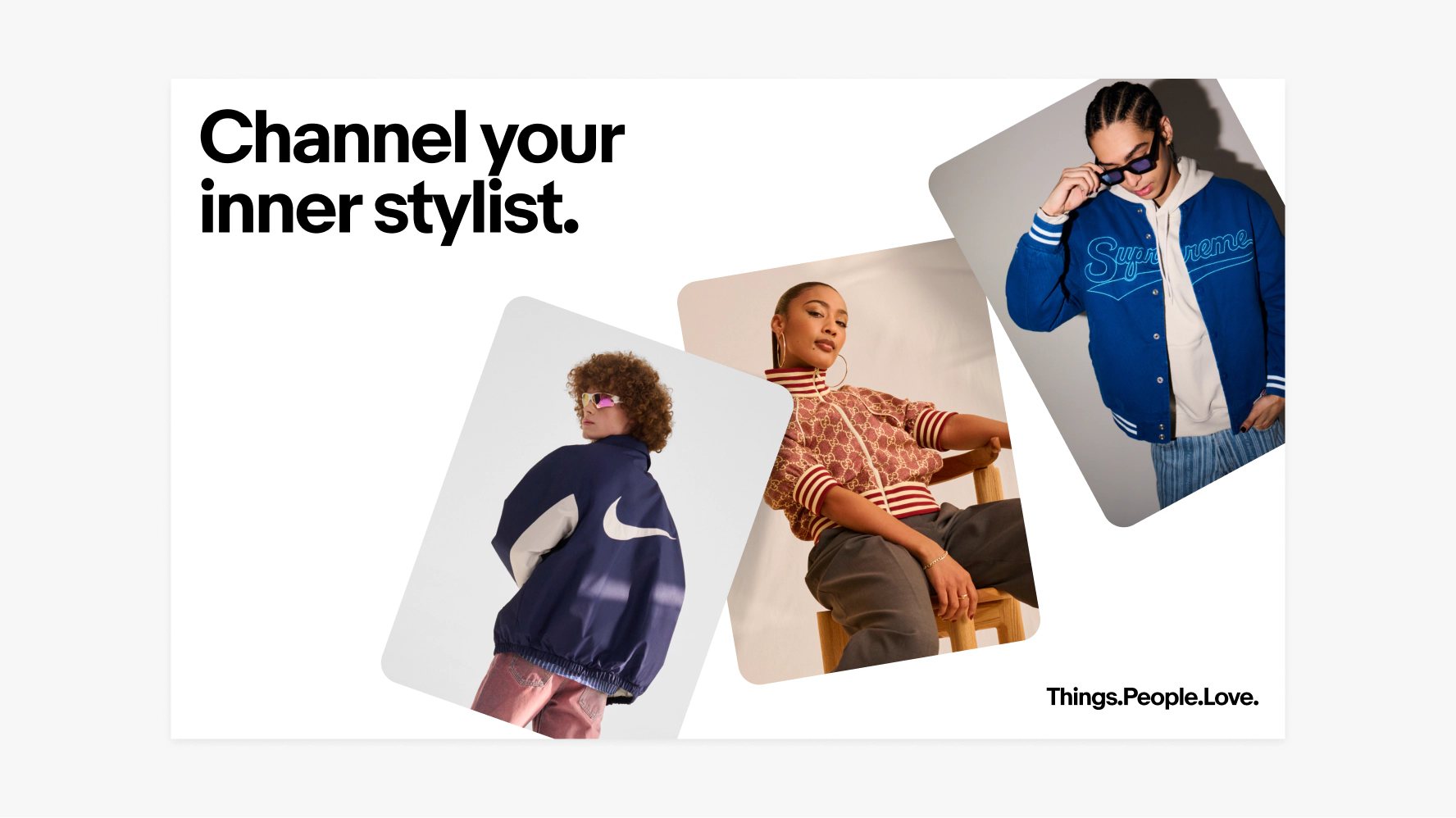
    A layout using the browse stack. There are 3 portrait-orientation images that are playfully positioned over each other. “Channel your inner stylist.” is the headline and the tagline is in the lower right.

    Drop shadow specs

    • x0 y20
    • Blur 64
    • Color #000000
    • Opacity 20%
    • Multiply
    Three white cards stacked organically. The bottom left and upper right are both overlapping the middle card. They both have shadows applied to show depth.
    • Composition

      Learn how to build layouts across product and marketing applications.