Expressive loader
Leveraging a branded expression, the expressive loader provides reassurance, guidance, and delight. The expressive loader is used as an alternative to the progress spinner, especially for longer loading times.
- CSS
- Marko
- React
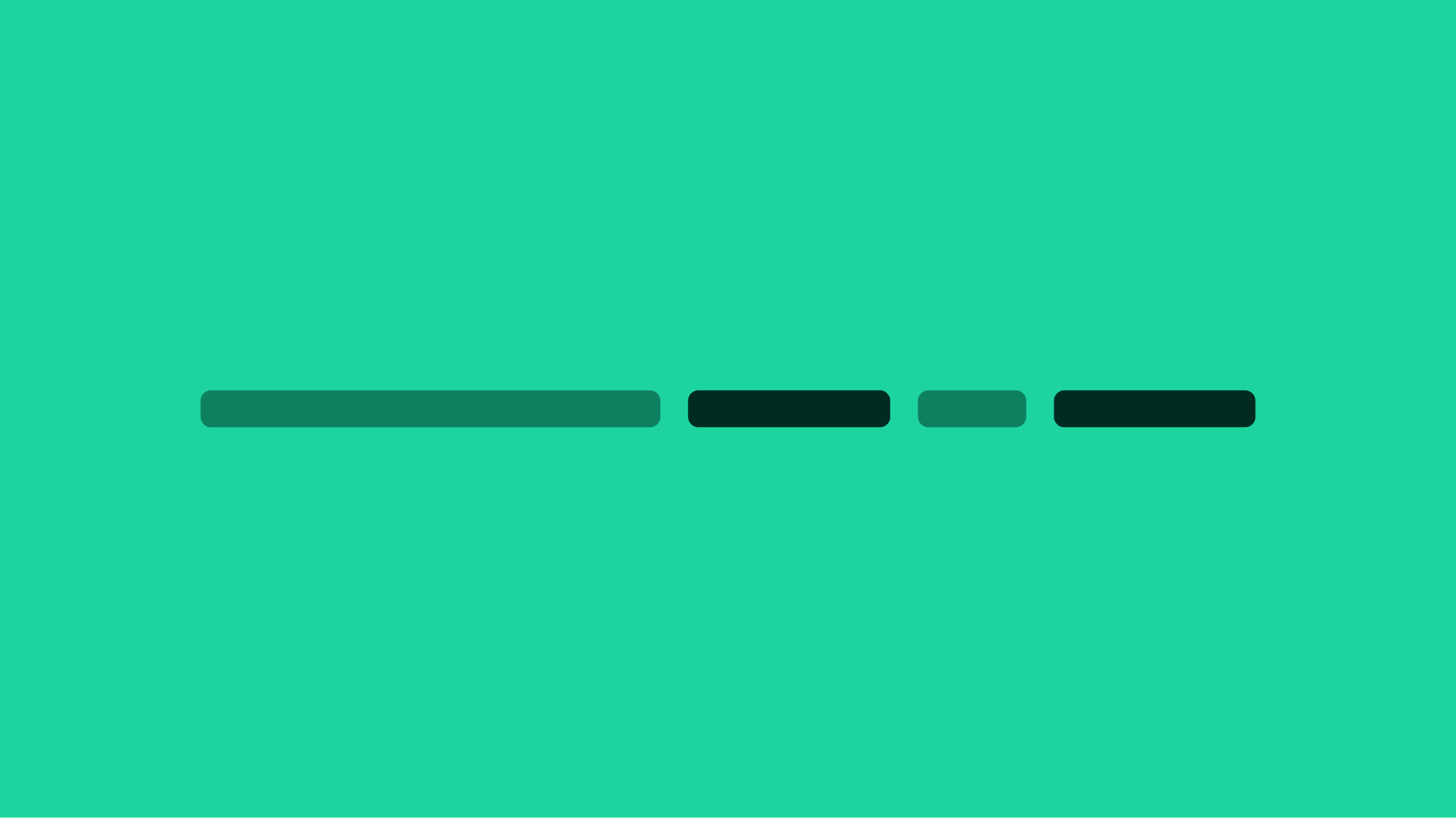
Initial bar generation specs
- All four colors should be present on initial generation of the loader
- The base expressive loader consists of a progressbar with 12 lines of varying widths
- Each line has a width of 10% - 40% of its container, with each set of four lines adding up to 100% width
- You can use JavaScript to randomly generate the line widths, though it's not required
- Reduced motion specs for this component can be found within the Accessibility guidance
Text progression
When loading takes longer, support text helps inform users that their actions are being processed. There should be no more than 3 strings of support text in a sequence. Text should reflect progress on the page and should be vetted by the content team before implementing.
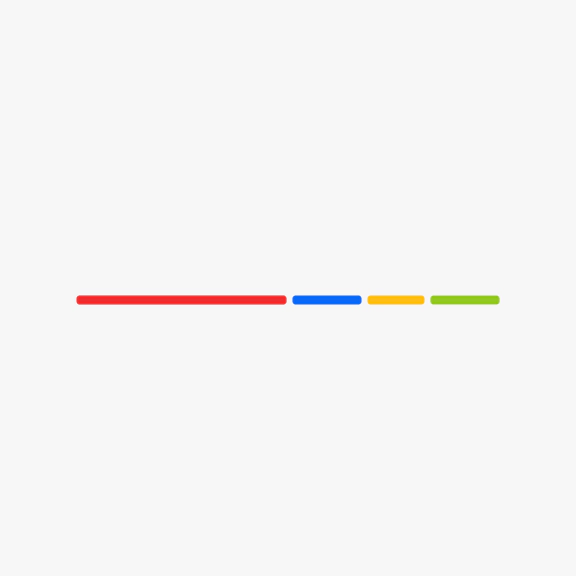
Step 1
- 0-1500ms
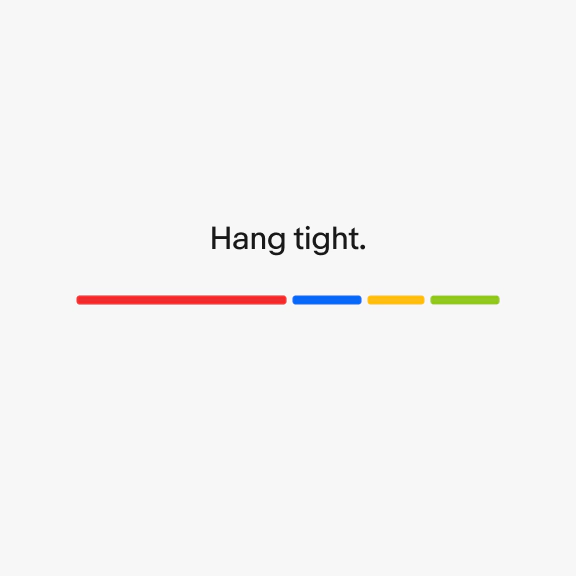
Step 2
- Text first appears: After 1500+ms
- Animation duration: 833ms
- Opacity: 0 to 100%
- Position: Upward
- Bezier: (0.3, 0, 0 1)
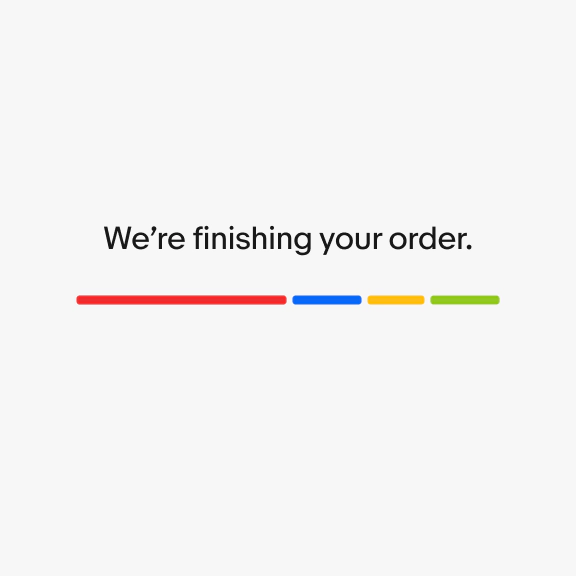
Step 3
- Wait 1500ms before new text is revealed using same settings as step 2
- Original text animates off screen over 400ms
- Bezier: (0.3, 0, 0 1)
Across native, pages may require additional requests that extend the duration of the page load or action. The expressive loader is used across the native experience to mask load times, reduce visual latency and provide reassurance to users. Please note, the following examples are for visual reference and may not actually require expressive loaders in product.
Bars only
When navigating to a page where the design is unknown and may take additional time to load, a skeleton loader is not typically leveraged. The “bars only” variation of the expressive loader can be used in these cases as a replacement for a full page spinner.
Bars with large text
When loading a page or communicating an action is taking longer than expected, strings of support text appear to provide reassurance for the user. These text strings should communicate the progress of the screen. The bars with large text variation of the expressive loader is the default text option.
Video description: An order is confirmed on the eBay app, displaying the expressive loader communicating progress. An order summary screen is shown once the animation is complete.
Bars with small text
Similar to bars with large text, the bars with small text variation is used in the same way, but only within bottom sheets. The other difference is this version starts with a text string as soon as the expressive loader is visible because it is responding to a specific user action like adding an item to the cart. For the large text version, text does not appear until after 1500+ms.
Large screen size
Pages that load quickly on larger screens may not require a loader, due to optimization on the web. Nevertheless, a loader can be helpful during unexpected delays in page loading.
Video description: An expressive loader is shown on an eBay desktop page, before showing an Active listings page.